Zed 0.160 and the shift in GPU-native editor economics
Zed outperforms VS Code and Cursor in performance, opening an 85,000 file TypeScript monorepo in just 180 milliseconds. The editor uses GPUI for low latency and offers a $10 monthly Pro tier, providing a cost-effective alternative to Cursor's $30 premium pricing.

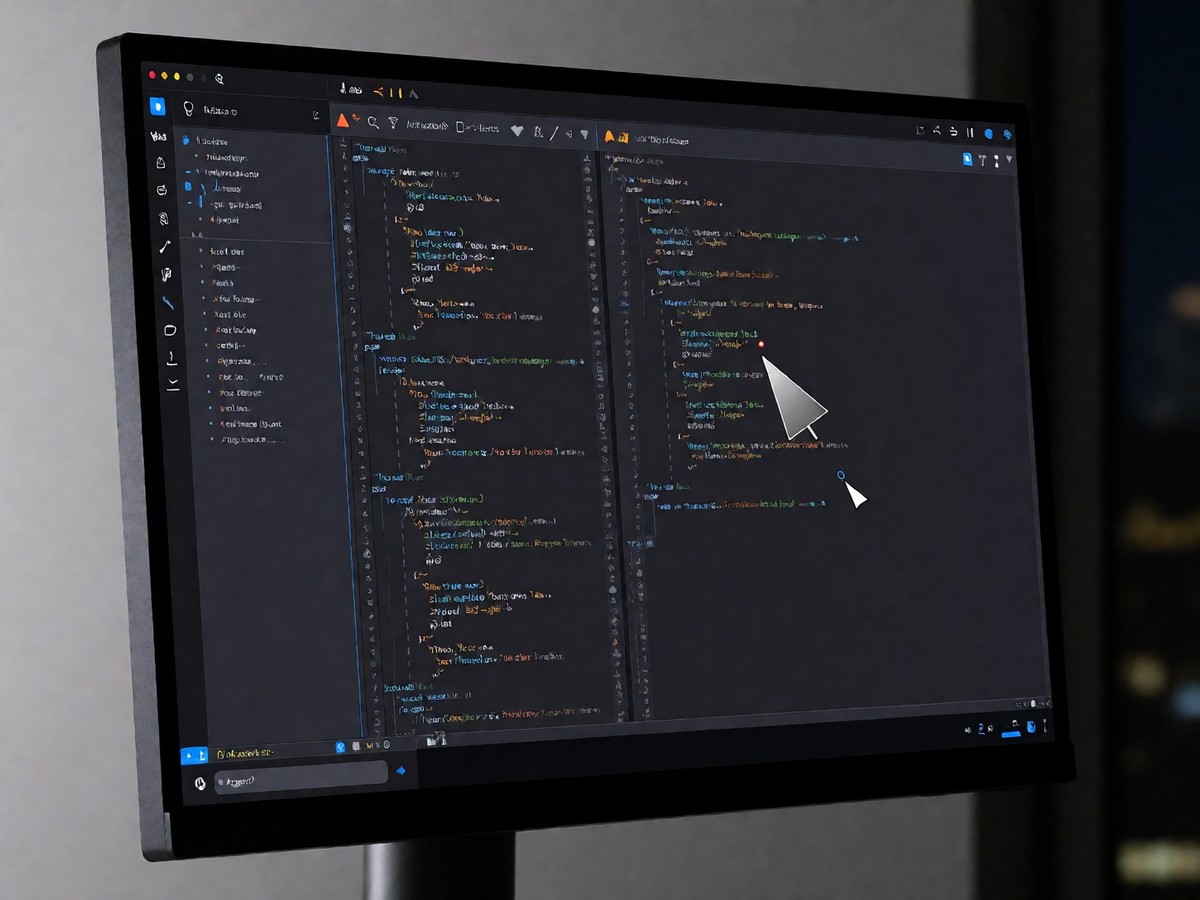
Zed uses GPUI to render directly on the GPU. This bypasses the Chromium abstraction layer that slows down VS Code and Cursor. Engineers notice the difference when they open large files. Zed opened an 85,000 file TypeScript monorepo in 180 milliseconds. VS Code took 3.1 seconds to show the UI and 10 seconds to reach full LSP readiness. Cursor required 3.4 seconds for the UI and 11 seconds for the language server. Zed consumed 240 megabytes of RAM with the same project. VS Code used 680 megabytes, while the memory requirement for Cursor was 780 megabytes. Developers who prioritize low latency find that Zed maintains input latency under 12 milliseconds even when a language server indexes a massive project, which provides a distinct advantage over Electron-based editors like VS Code or Cursor. Zed uses Tree-sitter to build an abstract syntax tree for every file. This provides accurate syntax highlighting and intelligent code navigation. Because the editor uses a multi-thread-friendly copy-on-write B-tree buffer, multiple threads can read the buffer without locking. It also lets AI agents and human collaborators operate on the same file without conflict. The editor maintains a sustained 120 frames per second even when opening files with hundreds of thousands of lines of code. Zed provides edit prediction using the Zeta2 model. This model predicts entire changes at keystroke granularity. The free tier provides 2,000 accepted predictions per month. Users can also use their own API keys for Anthropic, OpenAI, or local Ollama models.
Multiplayer editing in Zed uses CRDTs as a core primitive. This allows teammates to see cursors, selections, and terminal output in real time. You share a project URL and a colleague joins the session. Zed runs multiple AI agents in parallel within the same window. One agent refactors a component while another writes unit tests for a different module. You direct these agents using prose in the Agent Panel or the Inline Assistant. This workflow reduces the time spent typing prompts. The cost for Zed Pro is $10 per month, which includes $5 of tokens. In contrast, Cursor changed its pricing on October 12, 2026, and now charges $30 per month for the Premium tier. Cursor includes Grok models in this price, but Claude and GPT usage requires extra payments at API list prices. Does the integration of specialized voice dictation layers like Aqua solve the input bottleneck for agent-heavy workflows? The Zed issue tracker contains a request for dictation in the Agent Panel that remains in the "Planned" state. The microphone icon in Zed is for voice chat with teammates but does not perform speech-to-text. Users wanting to dictate prompts use system-wide tools like Aqua, which uses the Avalon model that placed first on the OpenASR leaderboard in October 2025. Zed implements the Model Context Protocol to allow external tools to extend agent capabilities. You can pipe any file, symbol, or command output into context using slash commands to gain direct control over the context window. For teams that pair regularly, Zed’s multiplayer infrastructure works better than Microsoft’s remote pairing tools. The collaboration server is written in Rust using the Axum framework, and you can self-host this backend with a PostgreSQL database and a LiveKit server. This suits enterprises with strict requirements about code data residency.
Teams choose editors based on specific technical needs. Small teams working in Rust, Go, or TypeScript often select Zed to minimize latency and AI costs. Larger enterprises prefer VS Code because of its massive extension marketplace and mature remote development tools. Cursor remains the choice for teams that want highly polished agentic features.
| Feature | Zed Pro | Cursor Premium | VS Code + Copilot |
|---|---|---|---|
| Monthly Cost | $10 | $30 | $10 to $39 |
| Included Models | $5 in tokens | Grok | Microsoft/OpenAI |
| Local Models | Yes | No | No |
| Extension Ecosystem | Growing | Large | Largest |
Pricing varies significantly between providers. VS Code Copilot Individual costs $10 per month, while Copilot Business is $19 per seat and Copilot Enterprise is $39 per seat. Cursor Business costs $40 per seat. The cost for Zed Pro is $10 per month, and Zed Business is $30 per seat. Developers who want to avoid extra AI bills can point the Zed free plan at Claude Agent or Codex CLI using their own keys. VS Code remains the leader for remote development via SSH and Devcontainers. Zed’s SSH remoting mode is still maturing and some language servers do not behave well over the link. Zed’s Vim mode is more faithful to the original than the extensions used by VS Code and Cursor. Pick Zed if your team values speed and pair programming. For those wanting the most polished agent mode, pick Cursor. If your workflow depends on the massive extension ecosystem of VS Code, pick that instead.

Technewsdaily
Senior tech writer covering AI, gadgets and cybersecurity. Breaking down the news that matters, every day.