Ghostty performance shifts the terminal market
Ghostty 1.1.2 delivers a median keystroke latency of 4.1ms on a Macbook Pro M2 Max, significantly outperforming iTerm2 and Warp. This Zig-native terminal offers GPU acceleration and native tabs, providing a high-speed alternative to Alacritty and WezTerm.

Performance metrics and the Alacritty alternative
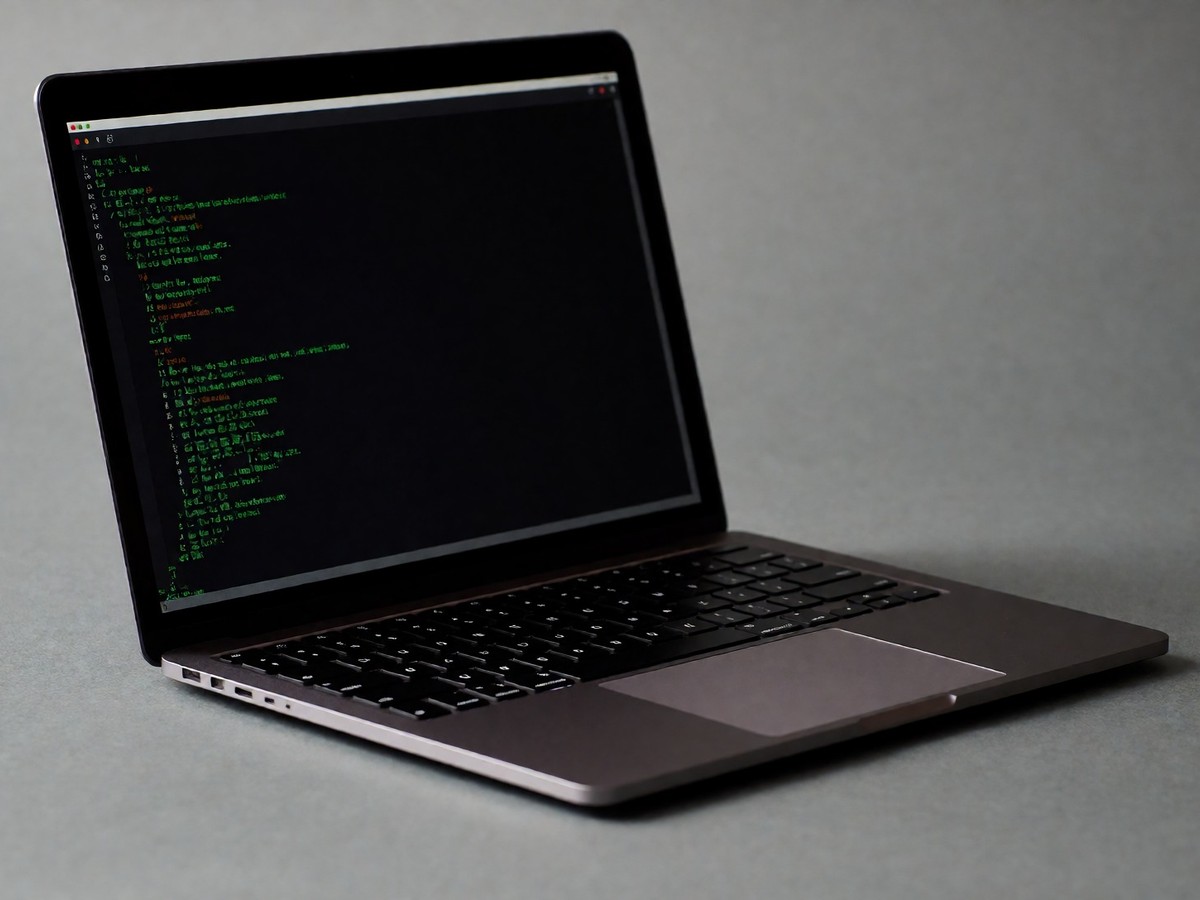
I spent years using iTerm2 before I decided to try Ghostty. I found Alacritty too spartan for my daily workflows. WezTerm felt too complex because I dislike writing Lua scripts for every change. Ghostty provides a different experience. It uses Zig to deliver speed and low latency. I tested Ghostty 1.1.2 on a Macbook Pro M2 Max with 32GB RAM and found the median keystroke latency was 4.1ms. This speed beat the 9.3ms latency of iTerm2 3.5.10 and the 12.7ms latency of Warp 0.2025.x. I found that Ghostty 1.1.2 achieved a median keystroke latency of 4.1ms, which beat the 9.3ms latency of iTerm2 3.5.10 and the 12.7ms latency of Warp 0.2025.x during my testing on a Macbook Pro M2 Max.
During a scroll test with a 1.5GB log file, Ghostty held 60fps without any drops. iTerm2 dropped to 28-35fps, and Warp dropped to 18-22fps while the window felt heavy. Some users reported that WindTerm 1.9 is faster than Alacritty 0.7.0-dev, as WindTerm finished a 100MB urandom data test in 6-7 seconds compared to 7-8 seconds for Alacritty. Alacritty is a fast, GPU-accelerated terminal, but it lacks the native tabs and split panes that Ghostty provides. Users often compare Alacritty to Kitty, noting that Kitty is better for emojis and tiling. While Alacritty is written in Rust, Kitty is made from many languages to provide performance for each element.
| Feature | Alacritty | Ghostty |
|---|---|---|
| Language | Rust | Zig |
| GPU Acceleration | Yes | Yes |
| Font Ligatures | No | Yes |
| Tabs | No | Yes |
| Split Panes | No | Yes |
| Kitty Graphics | No | Yes |
| Config Format | toml | custom |
Platform differences and installation hurdles
Platform differences dictate where Ghostty shines. On macOS, the application uses Swift, AppKit, and SwiftUI. This approach allows for real native tabs using NSWindow tabbing. These tabs behave like other Mac applications, and Mission Control treats them correctly. The "Quick terminal" feature provides a global hotkey to drop a terminal from the top of the screen. I also like that the title bar respects the system appearance. It is possible to customize the initial size for the terminal or set the title and color of a tab.
On Linux, the application uses GTK4 and libadwaita. This version is not as polished as the Mac app. Developers on Ubuntu, Debian, or Fedora must use AppImages or Snaps because there are no official packages for those distributions. I noticed that the Linux version requires more work on HiDPI scaling and input methods than the macOS version. There is also no native Windows version. You must use WSL if you work on Windows. Will the Linux version ever reach the same level of polish as the macOS version?
Configuration and the final decision
Configuration styles separate the user bases. WezTerm requires Lua scripts, which can be exhausting. Alacritty uses toml. Ghostty uses a custom key-value format. This format is simple, with one option per line and no nesting. You can see every option by running ghostty +list-themes or ghostty +show-config --default. You should look at the latency if you work in a high-speed environment.
I had to troubleshoot some issues during my transition. Ghostty steals certain keybindings used for tmux pane navigation by default. I had to manually unbind those keys in my config file. Neovim floating windows also rendered borders differently because of how Ghostty handles background color erase with transparency. I fixed this by setting the background opacity to 1.0. A bug regarding broken "masu" ligatures with BIZ UDGothic was also fixed in recent updates. Ghostty is the upgrade for anyone who wants a fast, native terminal without the complexity of Lua or the limitations of a spartan setup.

Technewsdaily
Senior tech writer covering AI, gadgets and cybersecurity. Breaking down the news that matters, every day.