Warp replaces traditional terminals with an agentic environment
Warp utilizes Rust and GPU acceleration to offer an AI-native terminal experience featuring Agent Mode and Cloud Agents called Oz. With 600,000 active users, the tool uses a block-based UI to improve collaboration and automate complex command-line workflows.

AI capabilities redefine the workflow
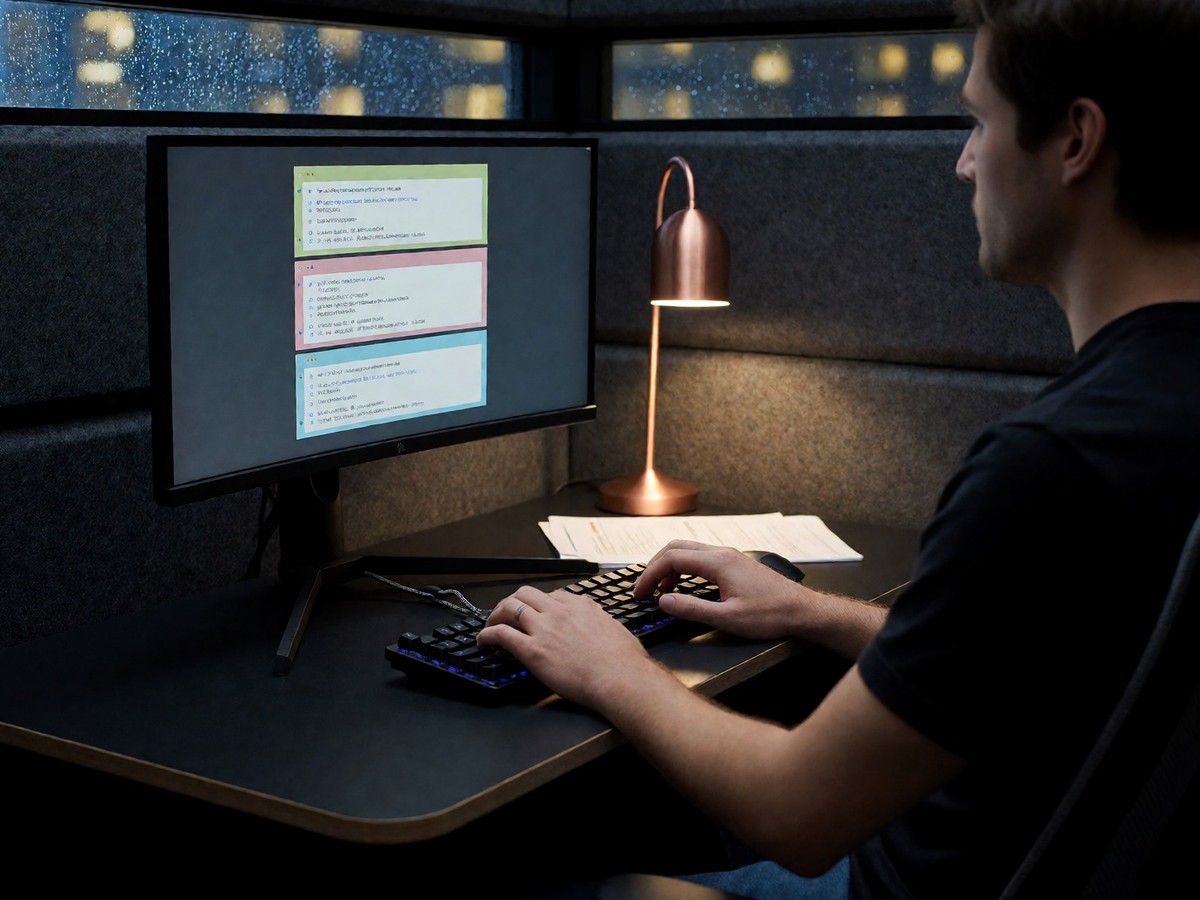
Warp replaces traditional terminals by operating as an agentic development environment. The software uses Rust and GPU acceleration to maintain performance. While iTerm2 provides a mature macOS experience, Warp focuses on AI integration through features like Agent Mode and Active AI. Users can describe complex goals in natural language, and the tool generates the necessary terminal commands. This capability eliminates the constant need to search documentation for specific flags or syntax. The software also includes Cloud Agents called Oz that run in containerized environments to handle tasks like automated bug fixes. These agents can react to webhooks, CI events, or Slack messages without a human at the keyboard. Warp maintains 600,000 active users. The tool also supports the Model Context Protocol, which allows local agents to communicate with external tools like Sentry or Postgres. Active AI watches the shell to provide prompt suggestions and next-command recommendations based on history and exit codes. This command search feature allows developers to find complex patterns or flags quickly.
The block-based model and performance
The block-based UI model separates Warp from the character grid systems used by Ghostty and iTerm2. Every command and its subsequent output form a discrete block that includes an exit code, duration, and timestamp. Users can select an entire block with one click or share it via a unique URL to help teammates debug errors. This structured approach organizes the terminal into a readable log rather than a simple scrollback buffer. However, this design can cause interactive applications like vim or fzf to behave unexpectedly when they run inside a container. Warp users can press Control and tilde to open an AI search panel, where they can type a request like finding all files modified in the last 24 hours larger than 10MB to receive a precisely written command. When a command fails, an inline "Explain" button provides a plain-English explanation of the error to help debug issues like SIGSEGV or TLS handshake failures. Ghostty remains the benchmark for raw rendering because it uses a Zig core with native Metal and Vulkan support. Warp is also GPU-accelerated, but its interface adds more overhead than the minimal approach of Alacritty. The cursor experience in Warp feels like a modern text editor because it supports multi-line input and click-to-position functionality. This makes editing long commands easier than the arrow-key navigation used in older terminals.
| Feature | Warp | iTerm2 | Ghostty |
|---|---|---|---|
| AI Capabilities | Agent Mode, Active AI | Manual DIY setup | None |
| UI Structure | Block-based | Character grid | Character grid |
| Base Pricing | Free | Free | Free |
| Pro Pricing | $18/month | N/A | N/A |
| Team Pricing | $45/user/month | N/A | N/A |
Team collaboration and usage costs
Warp Drive facilitates collaboration where teams share command notebooks and runbooks. This feature lets engineers store documented workflows in the cloud for use across different machines. You might find the credit-based pricing model restrictive if your workflow requires constant AI interaction. The Build plan costs $18 per month and provides 1,500 AI credits to solo developers. For teams, the Business plan costs $45 per user per month. GitHub Copilot CLI also provides AI assistance, but it functions as an extension of the GitHub CLI rather than a standalone terminal. This makes it different from Warp, which treats AI as a first-class citizen. GitHub’s tool provides Autopilot mode for multi-step workflows using high-reasoning models like GPT-5.4 or Claude 4.5, but users must still approve each command. While GitHub Copilot CLI offers command suggestions, it lacks the native block-based UI of Warp. Will the growing popularity of AI-native tools eventually make traditional terminal emulators obsolete? Warp is the superior choice for developers who want an AI-integrated experience.

Technewsdaily
Senior tech writer covering AI, gadgets and cybersecurity. Breaking down the news that matters, every day.