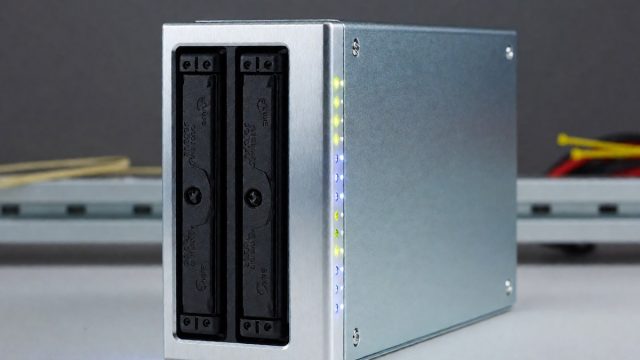
Getting Started with CasaOS, Umbrel, and TrueNAS Scale
CasaOS offers a one-line install for Docker management on Linux, while Umbrel provides a proprietary hardware-focused solution. TrueNAS Scale prioritizes ZFS storage and KVM virtualization, making it ideal for storage-first home labs that require robust data integrity and container support.

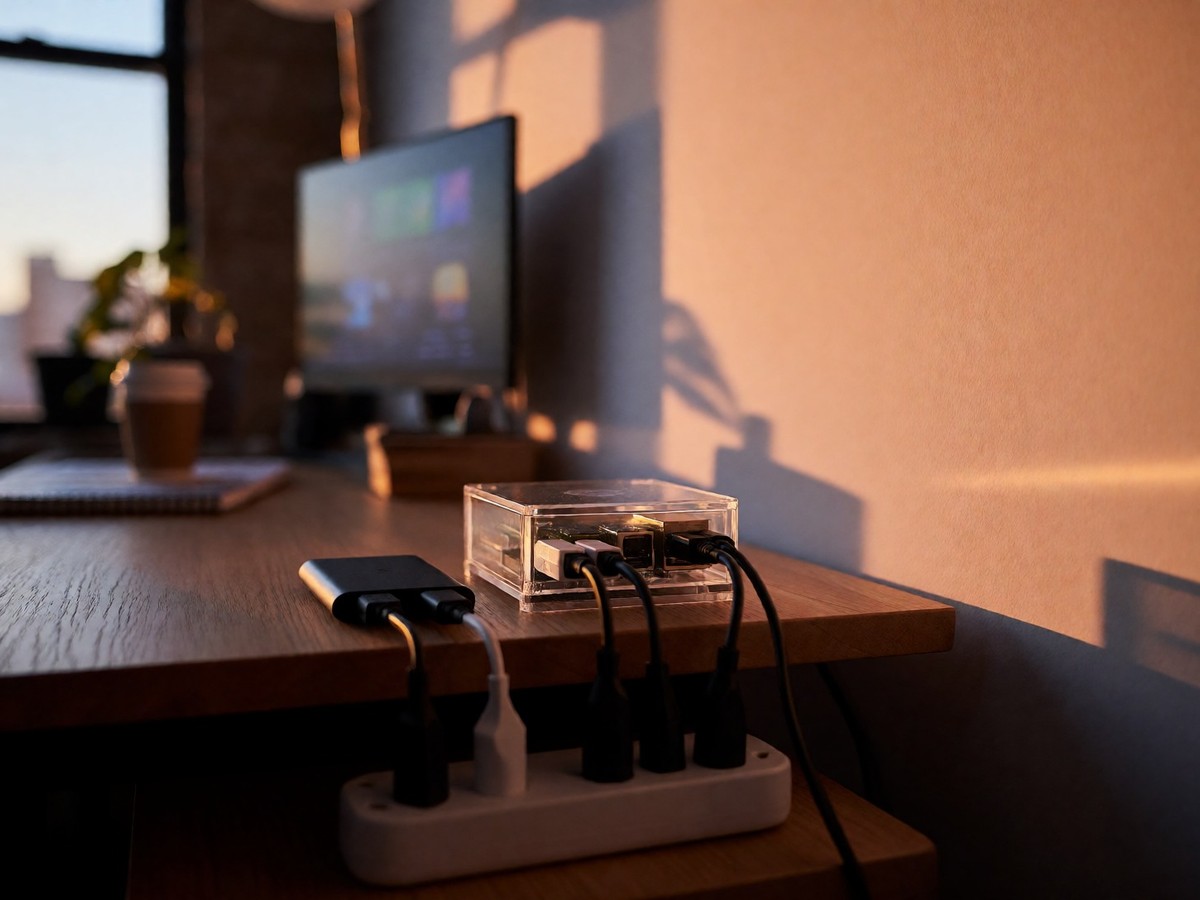
I recommend starting with CasaOS if you want a one-line install script that drops a web interface directly onto your Linux system. The command curl -fsSL https://get.casaos.io | sudo bash handles the setup, after which you set a login password and change the default port from 80 to 9095 for security. This approach works well on a Raspberry Pi 4B or Pi 5 with 8 GB of RAM, providing an immediate dashboard for managing Docker containers without requiring prior knowledge of YAML files. The App Store lets you deploy services like OpenSpeedTest or Portainer with a single click, though I found the pre-specified image versions can be problematic; for example, Vaultwarden installs an outdated version that fails with current browser extensions, forcing me to delete the app and run it manually via Synology instead.
Choosing Your Base System
Umbrel OS is licensed under the PolyForm Noncommercial 1.0.0 license, meaning you can use, fork, modify, and redistribute it for personal and nonprofit use under the same terms. It runs on dedicated hardware like the Umbrel Home, which offers a pro model alongside a base variant with less RAM at a friendlier price point. Users praise its ease of use, but the community notes it lacks a backup feature for data integrity and recovery, a significant gap compared to competitors. If you prefer open-source flexibility over commercial hardware, CasaOS remains the better choice because it allows you to add third-party repositories to the AppStore, broadening the selection beyond the default list. You can also create your own custom AppStore by forking the official GitHub repository, trimming unnecessary files, and pushing your specific app configurations to a new branch. This level of control suits those who want to test Docker applications quickly before deploying them in a production environment, whereas Umbrel feels more locked into its curated ecosystem.
TrueNAS Scale takes a different path by prioritizing storage first, with apps and virtual machines added later. Built on Debian Linux, it uses ZFS for file integrity and supports full Docker and Kubernetes integration, unlike TrueNAS Core which relies on FreeBSD and Jails. I would skip Core if you plan to run multiple services because Scale’s native support for KVM virtualization and containerized workloads makes it the clear winner for a home lab. The system requires a USB drive for booting, leaving your storage disks free for data pools, and it handles media servers like Plex without the slowdowns often seen in lighter setups. However, the hypervisor functionality is still maturing; migrating VMs from VMware requires manual disk size determination and conversion steps that Proxmox handles with a single command line entry. This friction means you need a solid backup strategy, as snapshots are not true backups and cannot easily restore a VM configuration file along with its disks.
| Feature | CasaOS | Umbrel | TrueNAS Scale |
|---|---|---|---|
| Base OS | Linux (Debian/Ubuntu) | Proprietary (PolyForm License) | Debian Linux |
| Storage Focus | Low | Medium | High (ZFS) |
| Container Support | Docker | Docker | Docker/Kubernetes |
| Virtualization | No | No | KVM/Incus |
| Best For | First homelab | Dedicated hardware users | Storage-first builds |
If you are comfortable with SSH and editing compose files, plain Debian might serve you better than any abstraction layer. But for building momentum, the app-store style UIs of CasaOS and Umbrel remove the learning curve. Which platform will hold up best when you add complex networking rules like Nginx Proxy Manager?

Technewsdaily
Senior tech writer covering AI, gadgets and cybersecurity. Breaking down the news that matters, every day.