Moving family memories to Immich
Immich offers a self-hosted alternative to Google Photos, allowing families to maintain complete ownership of digital assets. While Google Photos 2TB costs $599.40 over five years, Immich requires only a one-time hardware investment of approximately $260.

The economics of photo storage
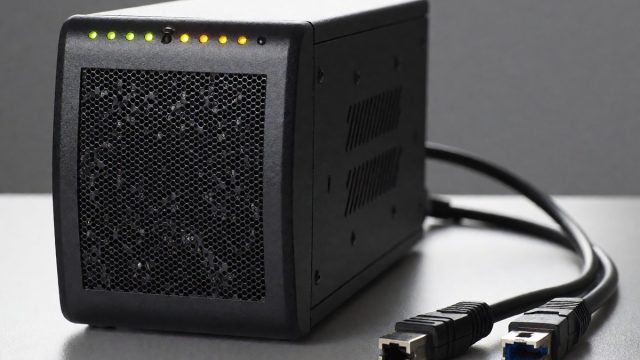
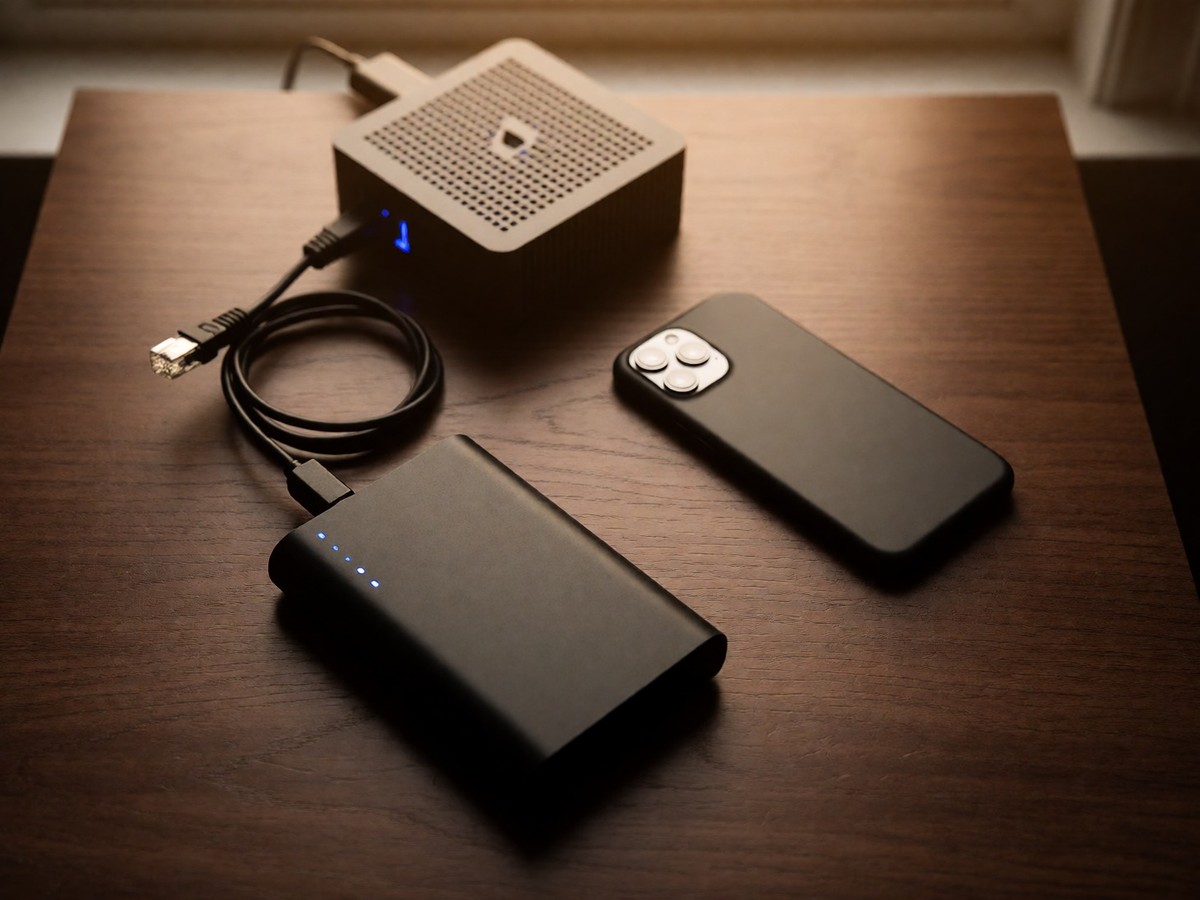
Google Photos offers 15GB of free storage before requiring a subscription. Users pay $2.99 per month for 100GB or $9.99 per month for 2TB. Immich provides a self-hosted alternative that keeps data on local hardware. Users avoid monthly subscription creep by investing in a single piece of hardware like a NAS or a mini PC. This software runs through Docker and prevents third-party access to family photos. Google Photos forces users into a subscription cycle where prices increase and data undergoes analysis for machine learning models, whereas Immich allows families to maintain complete ownership of their digital assets on private hardware. A five-year total for Google Photos 2TB costs $599.40, while Immich costs approximately $260 plus hardware. Users find that a 4TB HDD serves as a one-time purchase that replaces ongoing monthly fees. An Immich server needs 2 CPU cores and 4GB RAM for basic operation, but 4+ cores and 8GB to 16GB RAM work better for larger libraries. For those seeking lighter alternatives, PhotoPrism offers AI tagging, while Lychee provides a simple interface for smaller collections.
| Feature | Google Photos | Immich |
|---|---|---|
| Data Ownership | Cloud-controlled | Full control |
| Monthly Cost | $2.99 to $49.99 | $0 |
| AI Processing | Cloud-based | Local ML |
| Mobile Backup | Seamless | Good (iOS delay) |
Technical performance and software bugs
Immich requires specific hardware to run machine learning models for face recognition and CLIP-based search. A minimum of 4GB RAM suffices, but 8GB or 16GB provides better performance. An SSD for the database and thumbnails improves browsing speeds. Users often use an Intel N100 mini PC or a Raspberry Pi 4. The Raspberry Pi 4 handles up to 50,000 photos but runs AI tasks slowly, whereas a modern Intel i5-8500T processor can process a large library of 100,000 photos much more efficiently during initial indexing. A regression in version 2.5.2 caused the mobile app to lose album data when the system closed the app. The maintainer noted the switch to the "new timeline" caused the app to stop using the local database. Users updated to version 2.5.6 to fix this issue. The facial recognition regression in versions 1.114.0 and 1.115.0 deletes all detected faces from the database if the user triggers the process for all assets. Version 3.0.3 also fixes an issue where unauthorized album owner updates occurred and corrects memory search date validation errors. The Ken Burns effect on the Android app causes jittery behavior on some devices.
| Component | Minimum Requirement | Recommended Requirement |
|---|---|---|
| CPU | 4-core processor | Intel i5-8500T or better |
| RAM | 4GB | 8GB to 16GB |
| Storage | 256GB SSD | 1TB SSD for database |
| Network | Stable connection | Gigabit Ethernet |
Mobile synchronization differs between platforms. Google Photos provides seamless background backups on Android and iOS. Immich provides reliable background uploads on Android, but iOS users must enable "Background App Refresh" in their settings. Because the iOS operating system kills background processes frequently, users must open the Immich app at least once a day to ensure that the background upload of new photos continues to function as expected for their growing library. Immich keeps all processing on the user’s server. No data leaves the network for AI training or advertising analysis.
Migration and shared libraries
Migration requires Google Takeout to export photos in ZIP format. Google includes JSON sidecar files containing metadata. The Immich CLI handles these files to preserve EXIF dates and prevent duplicates. You already know that manual organization is tedious. For couples wanting a shared folder, a workaround involves using external libraries and symbolic links. This method creates a "pseudo-shared folder" where both users access the same files. Each user must have external libraries enabled in the admin interface. This setup requires access to the server file system via SSH. It also forces the server to run face recognition twice for each photo. To set up a shared library, users create a directory structure like /mnt/external_library/john/shared. One user runs the command ln -s .. /mary/shared to connect the directories. When John uploads photos to his shared directory, they appear in Mary’s library through the link. This method works for bidirectional sharing without manual copying. However, users cannot upload directly to these shared folders using the mobile app; they must sync files to the server first. If thumbnails appear broken after a LivePhoto upload, users must run the "missing" job for thumbnails. A successful migration provides digital sovereignty. Users should use an SSD for the database to ensure fast browsing. Will native multi-user library support arrive soon enough?
| Feature | Google Photos | Immich |
|---|---|---|
| Storage Limit | Plan-based | Unlimited (Hardware) |
| Privacy | Scanned by Google | 100% private |
| Search | Advanced AI | CLIP-based |

Technewsdaily
Senior tech writer covering AI, gadgets and cybersecurity. Breaking down the news that matters, every day.