Warp leads AI shell workflows in 2026
Warp outperforms iTerm2 in VTEbench tests by 90% in scrolling speed while offering built-in AI capabilities like Agent Mode. The analysis compares Warp, iTerm2, and Microsoft's Intelligent Terminal 0.1 regarding AI integration and performance.

Interface and AI Workflow
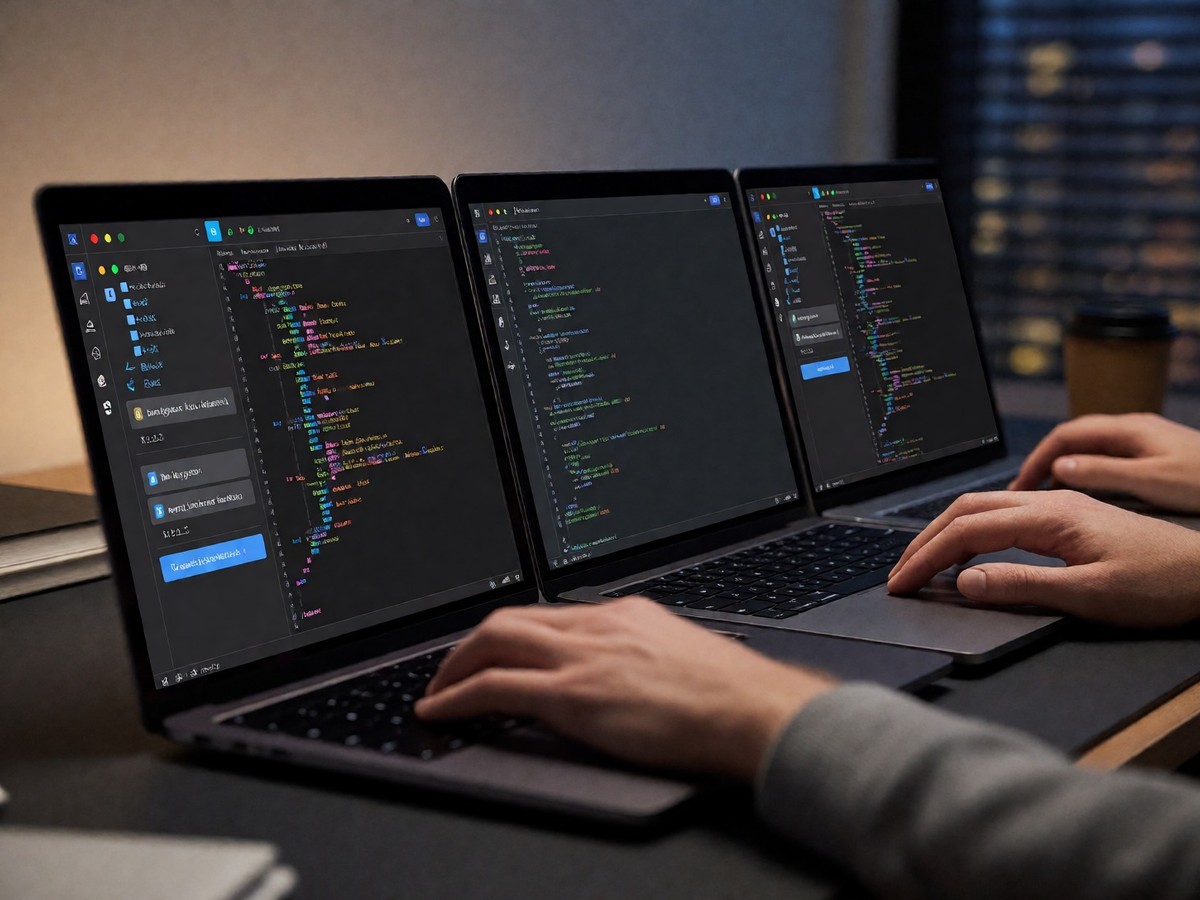
Warp differentiates itself from iTerm2 by treating the command line like a modern text editor. Users click anywhere in the command input to edit text. iTerm2 does not allow mouse positioning in the input editor. Warp also uses "blocks" to group every command with its specific output. This structure prevents users from scanning through a continuous stream of text. It reduces the time spent searching for failed commands during long sessions. Developers switching to Warp from iTerm2 often want a more intuitive experience with less required configuration where they can work with teammates and use AI to help them get more done.
Warp’s AI capabilities include natural language command generation and error explanation. It includes an "Agent Mode" for multi-step tasks. Users can use Claude or GPT-4o to explain cryptic errors. iTerm2 provides no built-in AI. Users must provide their own OpenAI key to use AI support in iTerm2.
Warp provides command completion for 400+ CLI tools out-of-the-box and supports autosuggestions and aliases in the command completion menu. iTerm2 delegates command completions to the shell and requires additional configuration for tools like git, docker, and npm. Users can use smart selection in iTerm2 to click and copy a URL or IP address. Warp also supports smart selection. iTerm2 requires specific shell commands to enable vim keybindings, while Warp allows users to toggle them in the settings panel across all supported shells. Warp also includes collaboration tools like Warp Drive to share workflows, whereas iTerm2 has no built-in features for sharing terminal input or output. iTerm2 allows users to show important information through the status bar, which includes 13 components. It also supports profile switching for different workflows.
Warp requires an account.
The Windows Terminal Pivot
Microsoft is replacing Terminal Chat with Intelligent Terminal 0.1. This experimental fork is an open-source version of Windows Terminal. It includes a persistent agent pane that uses the open Agent Client Protocol. This protocol allows any ACP-compatible agent to function within the terminal. The agent pane stays docked and you can toggle it with Ctrl+Shift+. This feature is intended to reduce the friction of switching between the terminal and a browser. GitHub Copilot is the default agent for this tool.
Microsoft also improved the fundamentals of Windows Terminal. The 1.25 Preview added settings search for profiles, color schemes, and extensions. New windowing architecture makes Quake mode faster. SSH profile creation now happens automatically. Windows Terminal also provides I/O throughput improvements. Users can also manage multiple agents through a management panel. Windows Terminal allows customization of font type, background images, and window transparency through a GUI. This matches the customization capabilities of Warp.
Does the industry prefer terminal-native AI or CLI-based agents?
Benchmarks and User Experience
Warp uses Rust and GPU rendering to maximize speed. In VTEbench tests, Warp is 90% faster at scrolling and 70% faster at the dense_cell benchmark than iTerm2. iTerm2 uses Objective-C and Metal.
Warp is fast.
| Feature | Warp | iTerm2 | Windows Terminal |
|---|---|---|---|
| Platform | macOS, Linux | macOS only | Windows |
| AI Engine | Built-in | Via plugins | Agent-based |
| Base Price | Free tier | Free | Free |
| Pro Price | $18/month | N/A | N/A |
iTerm2 is the privacy leader. It sends zero telemetry and requires no account. Warp collects anonymized usage analytics by default. Developers in regulated environments prefer iTerm2 because it does not phone home.
iTerm2 is free.
Warp’s free tier includes limited AI credits. The $18 monthly plan provides 1,500 AI credits. The $45 per user monthly plan is for teams. Warp automatically redacts secrets like passwords in command output. Warp also supports bookmarking commands to save them for later. Warp typically uses 600MB to 2GB of memory, while iTerm2 uses around 200MB when all tabs are closed.
Warp’s account requirement is a significant drawback for privacy-minded users. You should consider the privacy trade-offs before switching. Users frequently report that Warp’s free tokens disappear too quickly. One user ran out of credits after only 10 days of use.

Technewsdaily
Senior tech writer covering AI, gadgets and cybersecurity. Breaking down the news that matters, every day.