Zellij: myths vs facts for terminal multiplexer users
Zellij 0.45.1 runs natively on Windows, a capability tmux lacks without WSL2. Its contextual status bar reduces keybinding memorization, though early memory leaks up to 1227 MB have been addressed.

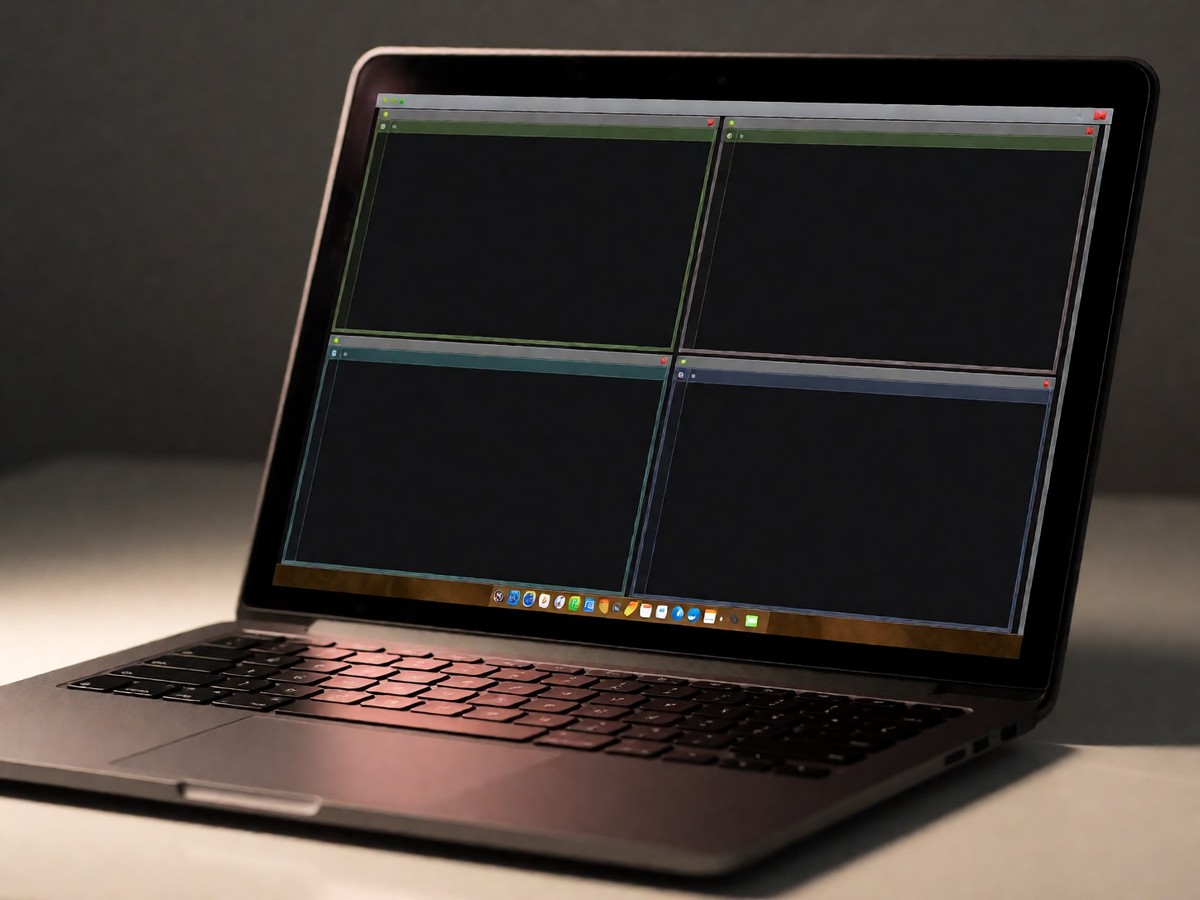
Zellij 0.45.1 runs natively on Windows, a capability tmux lacks without WSL2 or MSYS2. This distinction matters if you work across platforms, but the real debate centers on usability versus ecosystem depth. Many users assume Zellij is just a faster tmux clone, yet its architecture diverges significantly in how it handles keybindings and session state. The tool prioritizes immediate visibility over memorization, changing the daily workflow for anyone who has spent years hunting through tmux documentation.
The interface reality check
A persistent myth claims that Zellij’s default configuration is too opinionated to be useful for power users. In practice, the status bar displays active keybindings contextually, eliminating the need to recall obscure shortcuts like Ctrl+p c for renaming panes. When you press Ctrl+p to enter Pane mode, the bar updates to show only the keys applicable to that specific mode, providing constant visual reinforcement. This design choice directly addresses the "chasm" between known keybindings and rare features that plagues tmux usage. You no longer need to reference external cheat sheets because the interface itself acts as the manual.
However, this convenience comes with a cost. Zellij’s defaults use many Ctrl keys that shells and editors also want, such as Ctrl+p, Ctrl+n, and Ctrl+s. Since version 0.41, the project offers a "non-colliding" preset that starts locked, allowing users to switch presets via the configuration screen. If you ignore this setting, your buffer navigation hotkeys will conflict with Zellij’s modal operations. For those migrating from tmux, pressing Ctrl+b enters a compatible mode where standard actions like splitting with % and closing with x work as expected. This hybrid approach reduces muscle memory friction, though it does not cover every tmux command by default.
Performance and stability concerns
Critics often cite memory leaks as a reason to avoid Zellij, particularly when running resource-heavy applications like btop in separate tabs. Early reports documented instances where memory grew from 93 MB to 1227 MB over twelve hours, leading some users to revert to tmux for remote servers. The maintainers acknowledge these issues were present in older versions but have since plugged several leaks. Current benchmarks do not provide definitive proof of superiority, as independent tests have removed unrepeatable figures from previous comparisons. On a 4-vCPU Ubuntu VM, tmux 3.8 used 4.4 MB for one idle session, while Zellij’s exact footprint remains unmeasured in public datasets.
The plugin system adds another layer of complexity. Zellij plugins are WebAssembly modules written in Rust, sandboxed with explicit permissions, unlike tmux’s shell scripts managed by TPM. This isolation improves security but limits the language options to Rust, the only officially supported development language. The runtime moved from wasmtime to wasmi in version 0.44, which release notes warn might incur a slight performance penalty for plugins. Despite these technical nuances, Zellij includes built-in session resurrection, saving each session’s layout and commands to a cache folder every second. After a reboot, it offers to rerun saved commands behind a "Press ENTER to run" banner, a feature tmux requires third-party plugins like tmux-resurrect to replicate. Does this level of automation justify the steeper learning curve for new plugin developers?

Technewsdaily
Senior tech writer covering AI, gadgets and cybersecurity. Breaking down the news that matters, every day.