Home Assistant vs OpenHAB and Hubitat comparison
Home Assistant, OpenHAB, and Hubitat offer varying levels of technical difficulty and local control for smart home builders. Home Assistant provides the widest range of native device support, while OpenHAB supports over 200 technologies through Java-based configuration.

Ease of setup and interfaces
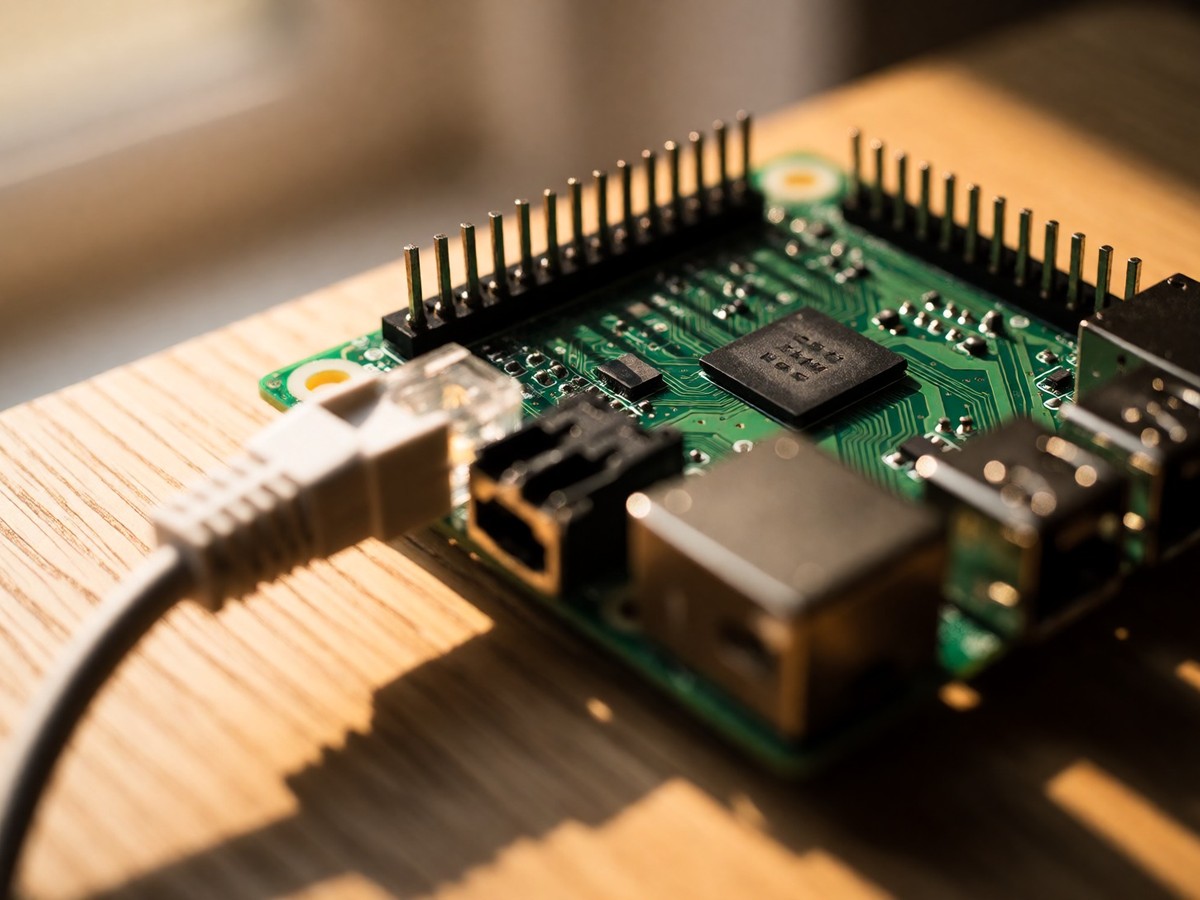
Home Assistant provides a modern, intuitive interface with visual editors for basic automation needs. Users install the software on a Raspberry Pi via the Home Assistant Operating System or use installers for Windows and Linux. Because Home Assistant provides a wide range of native integrations, its active community frequently adds new components through Python or Node.js to expand the functional capabilities of the system for all users. OpenHAB requires more technical expertise because users configure devices and rules using text files. The OpenHAB project, which debuted in 2011, supports over 200 smart home technologies. While OpenHAB offers high customization through coding, its web interface lacks the modern design seen in Home Assistant. You probably already know that setting up a server requires hardware, but Home Assistant simplifies the initial steps for beginners. Many users believe Home Assistant only caters to experts, but the visual editor allows for simple setups without any coding. However, users report that automations created in the UI might not appear in the interface if the system uses specific configuration files. OpenHAB remains an attractive option for those who want to use any hardware that suits their budget, such as a PC or a Raspberry Pi. The OpenHAB interface allows for control via a web interface, Android or iOS apps, and voice assistants. OpenHAB also allows users to create custom integrations using its APIs and coding framework. It includes built-in bindings for products like Philips Hue and Alexa. The platform additionally supports Philips Hue, Nest, and Ring.
Local control and privacy protections
Home Assistant prioritizes local data storage. The system runs on your own hardware, so no third party accesses your device data or your home information. Local protocols like Zigbee, Z-Wave, Matter, and Thread function without an internet connection. For remote access, users choose between Nabu Casa, which acts as an official cloud provider, or manual setups like VPNs and SSH. Nabu Casa users face a potential risk where the provider could perform a man-in-the-middle attack because the company owns the domain used for the connection. Hubitat and OpenHAB also provide local control. Hubitat runs automations locally, meaning lights and locks continue to function when the internet goes down. OpenHAB also operates with an offline-first approach to ensure stability. Hubitat provides a middle ground for builders who want strong automations without the steep learning curve of Home Assistant. The Hubitat interface prioritizes function over visual polish, and the community remains smaller than the Home Assistant community. If you live in a house with many different brands, Home Assistant offers the widest range of native device support. Users can also use 2FA to secure their Home Assistant instance. The platform also rates all add-ons from a security perspective to protect the user. Home Assistant avoids opening ports by using reverse proxy setups for secure remote connections. One can also expose remote access via a TLS/SSH over a VPN or the Tor browser. OpenHAB requires opening ports on your network for remote access, which necessitates careful security configuration.
Automation depth and hardware needs
The choice between these platforms depends on your technical comfort and hardware preferences. Home Assistant provides extreme flexibility for tinkerers who want to use Python or Node.js for complex routines. OpenHAB offers similar depth for users who prefer Java-based stability and highly granular control via configuration files. Hubitat remains a reliable option for those seeking local processing without the extensive time commitment of a more dynamic platform. Hubitat supports both Zigbee and Z-Wave devices directly. It handles complex automations well, including rule-based logic that goes beyond simple "if this, then that" routines. For those who prefer a Samsung ecosystem, SmartThings offers a polished app and easy device addition. However, SmartThings depends more on the cloud, which may cause issues if the internet goes down. Does Home Assistant require more troubleshooting than its competitors?
| Feature | Home Assistant | OpenHAB | Hubitat |
|---|---|---|---|
| Primary Language | Python | Java | N/A |
| Setup Difficulty | Low to Moderate | High | Moderate |
| Local Processing | Yes | Yes | Yes |
| Interface Style | Modern/Visual | Functional/Text | Functional |
| Device Support | Thousands | 200+ | Broad (Zigbee/Z-Wave) |
For those who prefer a Samsung ecosystem, SmartThings offers a polished app and easy device addition.

Technewsdaily
Senior tech writer covering AI, gadgets and cybersecurity. Breaking down the news that matters, every day.