The logic and hardware of local AI deployment with Ollama
Deploying local LLMs with Ollama offers privacy and eliminates per-token costs. Hardware requirements vary by model size, with an RTX 4090 providing enough VRAM to run 30B parameter models efficiently.

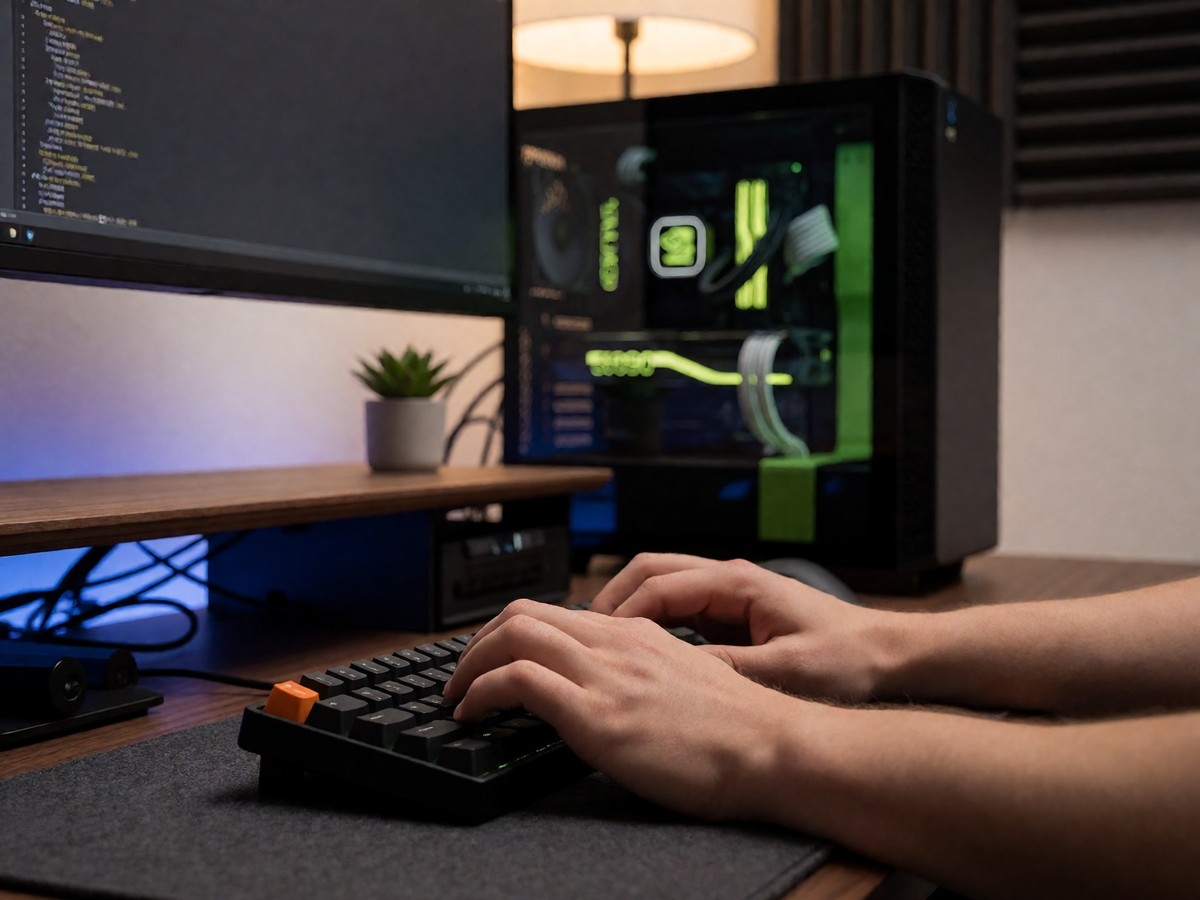
I prefer local LLMs because they keep my prompts and data on my own machine. Cloud APIs like ChatGPT or Claude send text to remote servers where providers might log inputs or train on them. For a developer, the math for local hardware makes sense. A single RTX 4090 with 24GB VRAM handles 7B to 30B models well. Using local hardware eliminates the per-token costs that make cloud usage scale infinitely. AI PCs in 2026 include dedicated neural processing units (NPUs) built for on-device inference. Modern NVIDIA Blackwell cards, such as the RTX 5090, execute 4-bit math directly in hardware.
| Model Size (4-bit) | Memory (VRAM) | Hardware Tier |
|---|---|---|
| 1B – 3B | 1 – 3 GB | Any modern laptop, NPU |
| 7B – 8B | 6 – 8 GB | 16GB RAM laptop, 8GB GPU |
| 13B – 14B | 10 – 12 GB | 32GB RAM, 12 – 16GB GPU |
| 30B – 34B | 20 – 24 GB | 24GB GPU (RTX 4090) |
| 70B+ | 40 – 48 GB | 2x 24GB GPUs or 64GB+ RAM |
VRAM defines performance. A 4-bit quantized model needs roughly its parameter count in gigabytes. If a model exceeds VRAM, Ollama offloads layers to system RAM, which causes generation speeds to drop by 5 to 30 times because the PCIe bandwidth creates a bottleneck for the data transfer. I find Ollama’s performance on certain hardware disappointing compared to llama.cpp.
Setup and model selection
I start by installing Ollama via Homebrew on macOS or the official installer on Windows and Linux. You should check your version with ollama --version to ensure it matches the latest requirements. I use the CLI. I run ollama pull to get a model. I find it easy.
Selecting the right model matters for your hardware. Qwen3.6-27B provides high quality for coding and general tasks on a single GPU. If you have 16GB of VRAM, gpt-oss:20b runs well. For 8GB setups, Llama 3.1 8B remains a versatile option. Gemma 4 is also efficient for low-resource hardware. I use custom Modelfiles.
Which model should you pick first?
I find that LM Studio provides a better visual experience for testers, while Ollama works best as a background service. Ollama manages models and local API endpoints to provide the fastest path from zero to a running local LLM. The developer persona finds Ollama more useful than LM Studio because it runs quietly in the background. LM Studio is better for the tinkerer who wants a GUI to browse Hugging Face. Ollama’s registry is more curated but can lag behind the latest releases.
Advanced integration and security risks
I integrate Ollama into my Python workflows using the langchain-ollama package. Most tools use the local REST API on port 11434. I avoid risks.
Security risks exist. Research by Oligo uncovered vulnerabilities like CVE-2024-39722, which allows path traversal to expose server files, and CVE-2024-39721, which allows denial-of-service attacks. Model poisoning also allows a client to pull a model from an unverified source, while model theft lets attackers push models to unverified targets. I avoid exposing the Ollama API to the internet without a proxy. I stay cautious.
I use the API.
I use the API to connect models to IDE extensions like Continue or Cody. For users who need to handle massive datasets, I recommend moving to a production-ready engine like vLLM. This helps when serving multiple concurrent users. I use the API.

Technewsdaily
Senior tech writer covering AI, gadgets and cybersecurity. Breaking down the news that matters, every day.