Choosing between Coolify and Dokku for self-hosting
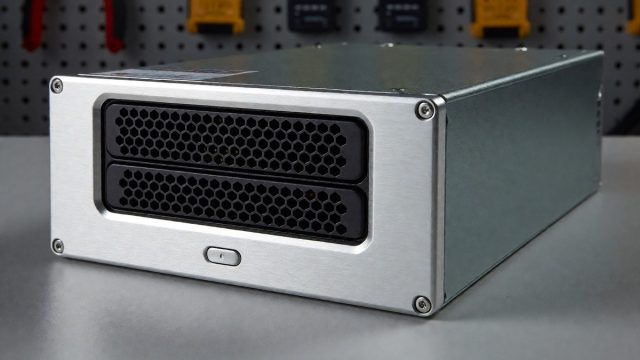
Coolify offers multi-server management and built-in services like PostgreSQL and Redis, while Dokku provides a single-server Heroku-like experience. Coolify supports Docker Swarm clusters and AI integration via MCP, whereas Dokku relies on plugins for extended functionality.

Moving away from expensive cloud providers
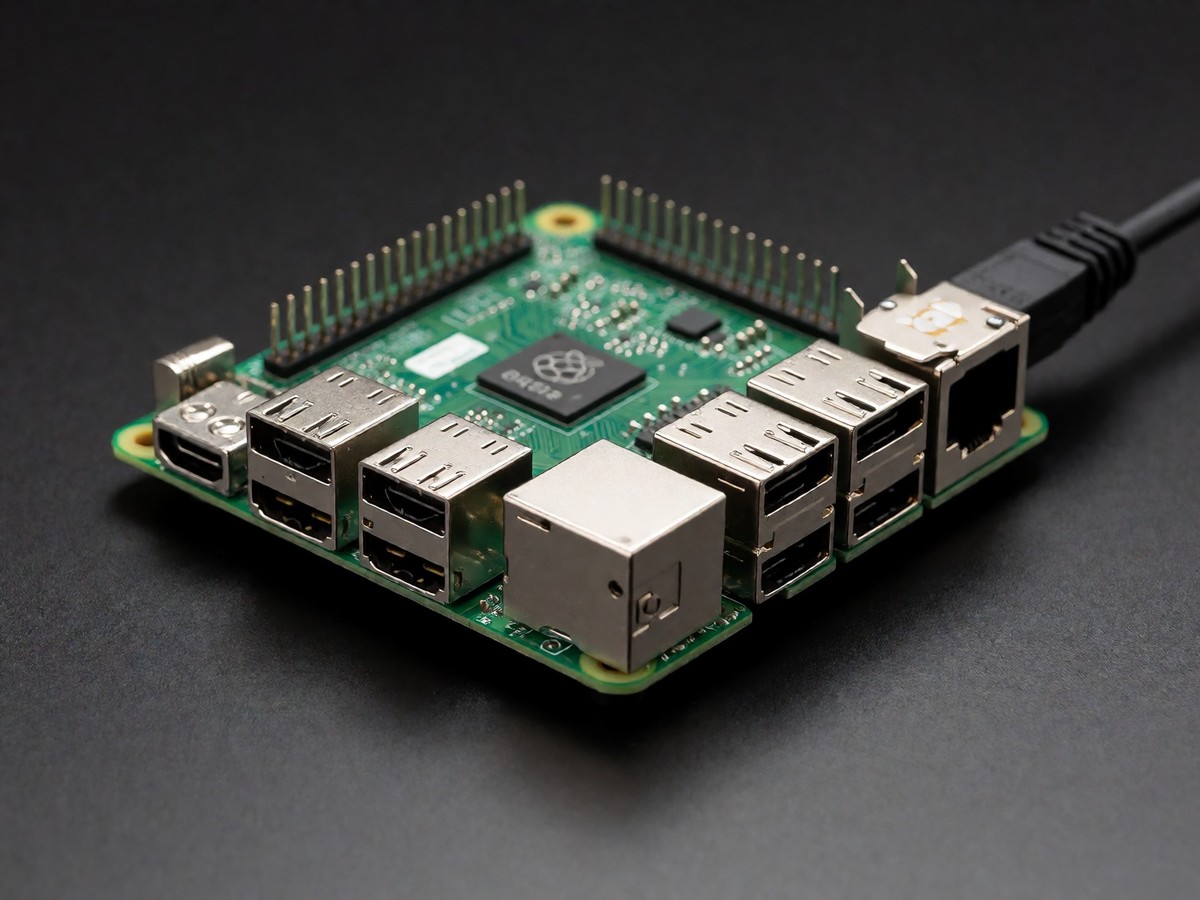
Cloud providers charge increasing fees once users exceed free tiers. Coolify provides a free, open-source version that lets you host unlimited websites on any number of servers. You can host on a Raspberry Pi, a laptop, or a VPS from Hetzner or DigitalOcean via an SSH connection. Dokku mimics Heroku as a single-host, Docker-powered Platform as a Service. It runs on a single machine you control. You already know that cloud costs scale quickly, so look at how these tools manage your infrastructure. Coolify allows you to deploy resources, including applications, databases, and services, to a single server or multiple servers according to your requirements, such as using a VPS, a Raspberry Pi, an EC2 instance, or a server from DigitalOcean, Linode, or Hetzner. The platform supports many languages. You can launch static websites or APIs. By using Nixpacks, Railpack, or Dockerfiles, the software builds resources. You can also deploy any prebuilt Docker image from a registry. You can run cron jobs inside your applications and check execution logs. Coolify integrates into CI/CD pipelines using GitHub Actions, GitLab CI, or Bitbucket Pipelines. You can deploy commits separately. This helps you review contributions and speed up teamwork.
Feature comparisons between Coolify and Dokku
Coolify supports multi-server setups and Docker Swarm clusters. Dokku builds and manages applications on a single server. Coolify allows you to start PostgreSQL, MySQL, MariaDB, MongoDB, Redis, KeyDB, Dragonfly, or ClickHouse in seconds. You can deploy any service compatible with Docker. Coolify integrates with GitHub, GitLab, Bitbucket, and Gitea for push-to-deploy workflows. Dokku also uses Git for deployment through Heroku-compatible buildpacks or Dockerfiles. Coolify provides an MCP server for AI agents, which connects Claude or Cursor to your resources. You can use this to list resources, deploy, read logs, restart services, and troubleshoot failed deployments. Coolify provides an API that enables you to automate deployments and manage resources. You can share projects with team members. You can control permissions and roles for each member.
| Feature | Coolify | Dokku |
|---|---|---|
| Architecture | Single or Multi-server | Single server |
| Docker Support | Yes | Yes |
| SSL Management | Let’s Encrypt | Let’s Encrypt plugin |
| Minimum RAM | Varies by server | 1GB (Docker) / 2GB (K3s) |
| AI Integration | MCP server | Not specified |
Coolify manages Let’s Encrypt SSL certificates for custom domains. Dokku uses a Let’s Encrypt plugin for this purpose, though users with Cloudflare may prefer using Cloudflare’s own proxy. Coolify allows you to expose apps through Cloudflare Tunnels without opening ports or exposing your server’s IP address. You can also separate production and staging via environments and shared variables. Dokku provides more flexibility through plugins. You can write Dokku plugins in any language to add features not included in the default installation. You can scale applications up and down with a single command. You can use Dokku to deploy static sites from a private GitHub Repo and password-protect them using the NGINX_ROOT environment variable and the basic auth plugin.
Server requirements and deployment methods
Dokku requires Ubuntu 22.04, 24.04, or 26.04 or Debian 12 or 13 on AMD64 or ARM64 hardware. It needs 1GB of system memory for the Docker scheduler or 2GB for the K3s scheduler. Installation takes between 5 and 10 minutes. You should configure your server domain and user access with SSH keys after installation. Coolify is not a managed service, and you must manage your own server and updates. You can use the Coolify real-time terminal in your browser to run commands. Coolify provides the ability to deploy to any server, including your own, VPS, Raspberry Pi, EC2, DigitalOcean, Linode, or Hetzner, provided you have SSH access.
Coolify provides automatic database backups to any S3 compatible solution. You can restore data with a few clicks if problems occur. Coolify also monitors deployments, servers, and disk usage to notify you of issues via Discord, Telegram, or email. You can also send application and server logs to Axiom, New Relic, Highlight, or your own log collector. You can protect the dashboard with two-factor authentication. You can also sign in using GitHub, GitLab, Google, Azure, or Authentik. Dokku users can run commands remotely via the dokku user to avoid manual SSH sessions. You can also rebuild applications without pushing new code. Coolify remains the superior choice for those needing multi-server management and a broad range of built-in services. You must still set up your server and handle updates yourself if you use the self-hosted version. Does the single-server limitation of Dokku prevent it from scaling for larger production teams?

Technewsdaily
Senior tech writer covering AI, gadgets and cybersecurity. Breaking down the news that matters, every day.