Common mistakes with Coolify’s 2026 self-hosted PaaS adoption
Teams migrating from Heroku or Railway often fail by under-provisioning resources or relying on local storage for backups. For production workloads, users should use 4 vCPUs and 8 GB RAM while configuring S3-compatible destinations like Cloudflare R2 to prevent data loss.

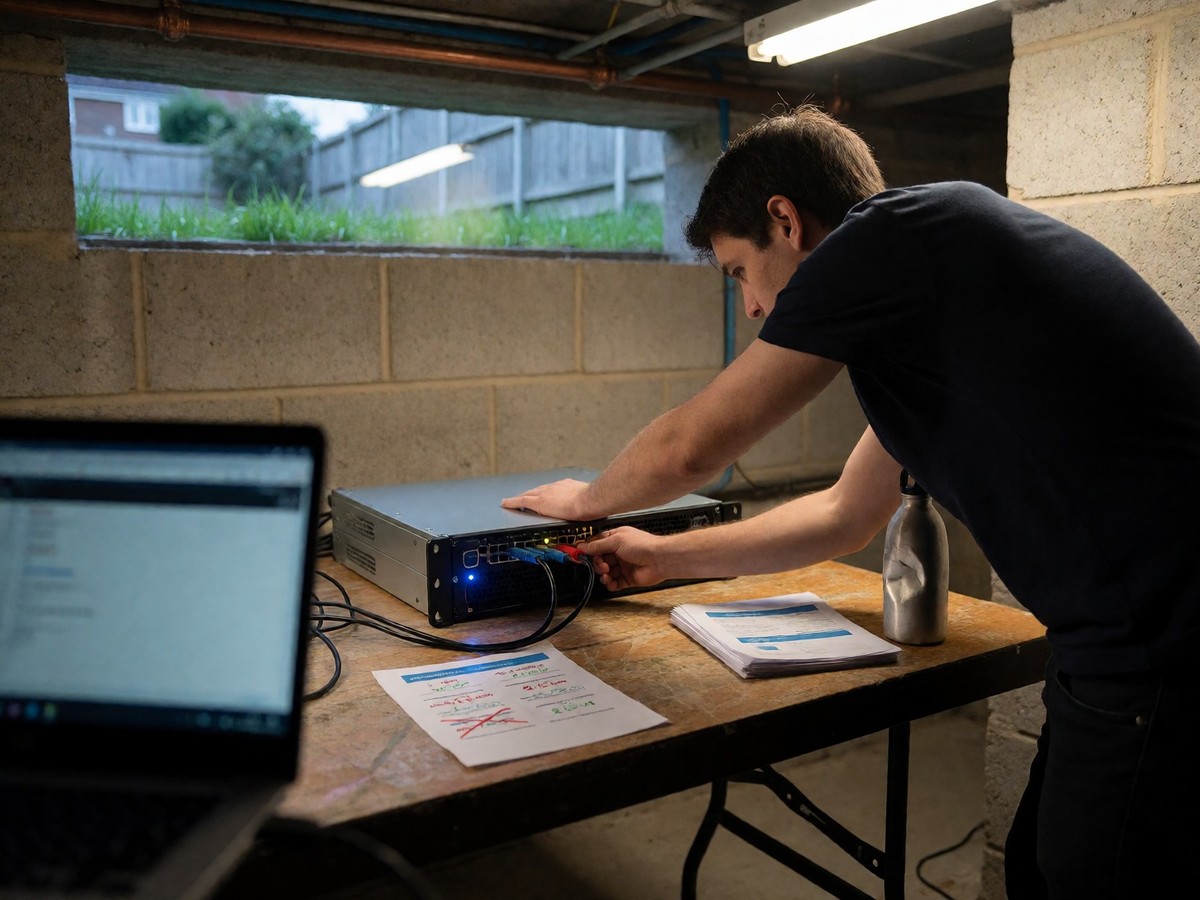
Infrastructure and Provisioning Errors
Teams migrating from Heroku or Railway often underestimate the operational burden of managing a Linux VPS. While Heroku handles the server, Coolify requires the team to manage kernel updates and security patches. The provisioning of a server that meets only the minimum requirements of 2 vCPUs, 2 GB RAM, and 30 GB SSD is a common error for teams. For production workloads migrating from Heroku, you should start with 4 vCPUs, 8 GB RAM, and 80 GB SSD. If teams run both builds and the Coolify instance on the same server, high resource usage can make the host unresponsive. Users should choose a VPS in the data center region closest to their users to minimize latency. Using a fresh server helps avoid conflicts with existing applications. The installation process requires a single command that installs Docker and configures the Traefik reverse proxy. Users can use Nixpacks for automatic builds or a Dockerfile for more control over the build environment.
Data Loss and Backup Failures
A single disk failure or an accidental docker compose down -v command wipes all named volumes and database data instantly. The reliance on local storage for backups constitutes a massive mistake because the same failure that hits your database also destroys the backup stored on that same disk. You must configure S3-compatible destinations like Cloudflare R2, Backblaze B2, or Amazon S3 to ensure data survives a server loss. Coolify instance backups save your projects and environment variables, but they do not include the APP_KEY used to encrypt secrets. You must save this APP_KEY from /data/coolify/source/.env in a password manager or separate secure location to restore your instance later. Coolify uses pg_dump for PostgreSQL, mysqldump for MySQL, and mongodump for MongoDB.
| Component | Minimum Requirement | Production Recommendation |
|---|---|---|
| CPU | 2 cores | 4 cores |
| Memory | 2 GB RAM | 8 GB RAM |
| Storage | 10 GB SSD | 80 GB SSD |
You must configure the correct endpoint URL, access key, secret key, bucket name, and region for your S3 destination. For large PostgreSQL databases, you can use pg_dump with the -j N flag to parallelize the dump using available CPU cores. Administrators must also verify the status of each execution in the dashboard to ensure the backup shows a success status. You should perform a full restore test by spinning up a temporary database container to confirm data consistency.
Networking and Configuration Obstacles
Cloudflare proxy settings cause frequent SSL failures for new Coolify users. When a domain is added to Cloudflare and the orange cloud proxy is left enabled, Let’s Encrypt cannot complete the HTTP-01 challenge because Cloudflare intercepts the request and prevents the validation file from being reached. Administrators must use the DNS-01 challenge or switch the record to DNS-only to resolve this. During migration, teams must also update application configuration to ensure the container accepts connections. Because Coolify uses Traefik as its default reverse proxy, administrators must set the application HOST environment variable to 0.0.0.0 to ensure the container accepts incoming connections from the proxy. Teams must also update DATABASE_URL and REDIS_URL to match the new Coolify connection strings. Teams must transfer all configuration from Heroku’s config vars to the Coolify environment variables tab. Administrators must also update the PORT variable to the port the container listens on, such as 3000 or 8080. Teams must distinguish between build-time variables, like NODE_ENV, and runtime variables. Teams must also replace Heroku-specific variables such as HEROKU_APP_NAME and HEROKU_SLUG_COMMIT with compatible local configurations. You should avoid provisioning a server that meets only the minimum requirements if you are migrating from Heroku. Will your team be prepared for the increased responsibility of host management?

Technewsdaily
Senior tech writer covering AI, gadgets and cybersecurity. Breaking down the news that matters, every day.