Comparing aaPanel and Webmin for VPS Administration
aaPanel offers rapid deployment for over 3,000,000 servers with one-click environments, while Webmin provides deep system administration for Unix-like servers through 116 standard modules. The choice depends on whether a user needs automated web management or granular system control.

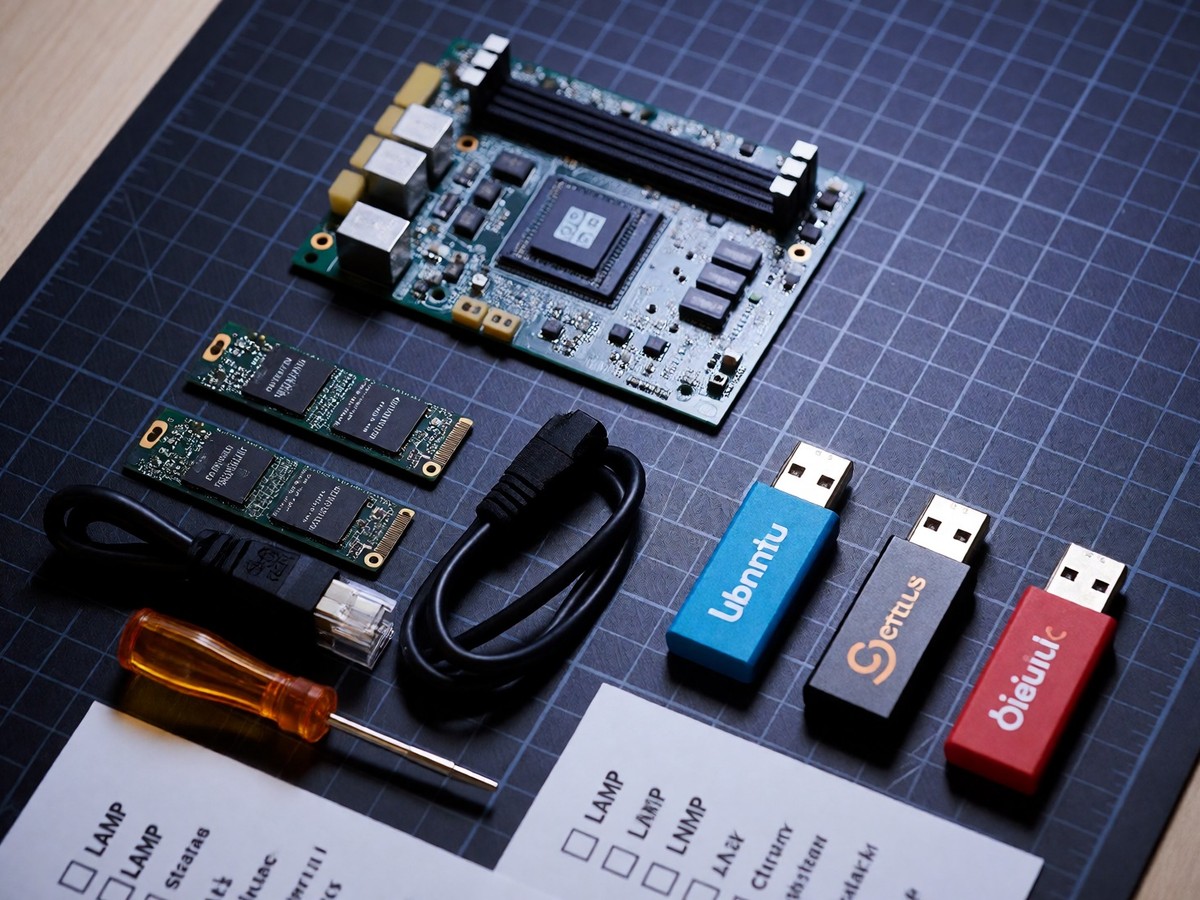
Rapid deployment with aaPanel
aaPanel installs on a fresh server in approximately 2 minutes. This control panel manages over 3,000,000 servers. The core version remains free and includes website management, FTP, MySQL, file management, and an online code editor. It allows for the one-click installation of LNMP or LAMP environments. Users launch WordPress sites, online stores, databases, containers, and web applications in minutes. The WP Toolkit manages themes, plugins, backups, migrations, and security settings for WordPress websites with a single click, which saves many users hours of manual work every week. A built-in Docker Manager provides a visual interface to manage containers, images, logs, and lifecycle operations without requiring command line expertise. You should ensure your system has at least 512M of memory and 100M of hard disk space before starting. The software supports Ubuntu, CentOS, Debian, AlmaLinux, Rocky Linux, and OpenEuler. Users can move websites from traditional shared hosting to a VPS using a one-click migration tool that supports WordPress and SSL certificates from cPanel to ensure the migration process remains straightforward and efficient. Real-time monitoring tracks CPU, memory, disk, traffic, and service status. The Pro version adds WAF, multi-user accounts, website analytics, and priority technical support. This version also includes file protection. Users deploy a complete email infrastructure on their own server, including SMTP, IMAP, spam protection, SSL certificates, and mailbox management. aaPanel recommends 768M of memory for optimal performance. The platform supports Ubuntu 22.04 and 24.04, Debian 11 and 12, CentOS 9, and Rocky or AlmaLinux 8 and 9. The software allows users to bind domain names and deploy SSL certificates with one click. The file manager includes tools for managing permissions and importing or exporting data. Users can also operate MySQL directly through the browser.
System management through Webmin
Webmin provides system administration for Unix-like servers and reaches about 1,000,000 yearly installations. This tool allows users to configure operating system internals like users, disk quotas, services, and configuration files. It also modifies open-source apps like BIND DNS Server, Apache HTTP Server, PHP, and MySQL. Webmin includes 116 standard modules and many third-party modules. The project includes Virtualmin, a web-hosting control panel with over 150,000 installations, and Usermin, which handles user-level tasks. Virtualmin Pro users add the Virtualmin Podman plugin for per-domain container and pod management. These users also access installers for Django, Auktiva, Fish Auctions, and Pixelfsed. Webmin supports Ubuntu 26.04 and provides HTTP/3 support for Nginx websites. For RHEL or Debian derivative systems, the automatic webmin-setup-repo.sh script configures repositories and installs GPG keys in two steps. Users access the interface via port 10000 after installation. A security flaw in versions 1.882 through 1.921 was a significant problem that developers rectified in August 2019. Virtualmin Pro users also gain Btrfs subvolume support and hierarchical qgroup quota support for virtual servers and mailbox users. Virtualmin provides full lifecycle support for IPv6-only virtual servers, including creation, modification, cloning, backup, restore, DNS, web, mail, and SSL handling. Virtualmin allows for the addition or removal of an IPv4 address from an existing virtual server. The system supports requesting ACME SSL certificates containing IP address identifiers. Users can also add Auktiva, Fish Auctions, and Pixelfsed web app installers if they use Virtualmin Pro. Does the modular nature of Webmin make it too complex for users who want a single-click setup?
Technical specifications and comparison
Comparing these tools requires looking at specific deployment needs. aaPanel focuses on rapid deployment through a single, intuitive interface. It allows for the one-click installation of LNMP or LAMP environments. Users monitor CPU, memory, disk, and traffic in real time. aaPanel has a dedicated file manager that supports uploading, downloading, packaging, and decompression. Webmin functions as a more traditional system administration tool. While aaPanel offers a visual Docker interface, Webmin relies on modules to expand its usability. Webmin’s reliance on manual module installation or specific repository setups makes it harder to use than the automated environment of aaPanel. The decision rests on whether a user needs an automated environment or a highly configurable system tool.
| Feature | aaPanel | Webmin/Virtualmin |
|---|---|---|
| Primary Use | Web Server Management | System Administration |
| Docker Support | Visual Manager | Podman Plugin (Pro) |
| One-Click Environments | Yes (LAMP/LNMP) | No (via Modules) |
| Installation Time | ~2 Minutes | Varies by script |
| OS Support | Ubuntu, CentOS, Debian, etc. | RHEL, Debian, Ubuntu, etc. |
aaPanel is better for those who want to focus on their business rather than troubleshooting. It simplifies the deployment of containers and web applications. Webmin is better for administrators who need to manage system-level settings such as disk quotas and user permissions across multiple machines. aaPanel’s real-time monitoring allows for a better understanding of load capacity. It provides alerts for abnormal events. In contrast, Webmin provides users with the ability to add or remove an IPv4 address from an existing virtual server and manage their own systemd user units.

Technewsdaily
Senior tech writer covering AI, gadgets and cybersecurity. Breaking down the news that matters, every day.