Economics of hyperconverged infrastructure with Proxmox VE 8.3
Proxmox VE 8.3 utilizes Ceph software-defined storage to eliminate expensive SAN appliances by combining compute and storage on physical nodes. High-performance clusters using NVMe drives can sustain over 100,000 IOPS while maintaining high availability through automated failover.

Proxmox VE 8.3 drives private cloud economics through hyperconverged infrastructure. It combines compute and storage on the same physical nodes. This setup removes the traditional silos of compute and storage resources. Ceph provides the software-defined storage layer. It allows users to turn local NVMe, SSD, or SATA disks into a shared storage pool. This approach eliminates the financial burden of dedicated SAN appliances. For small to medium deployments, users install Ceph directly on Proxmox VE cluster nodes. The system uses the BlueStore storage engine by default. Because BlueStore treats physical disks as raw block devices, it eliminates the double-journaling penalties found in older FileStore versions. High-performance setups use NVMe drives to sustain over 100,000 IOPS. The higher the possible IOPS of a disk, the more CPU an OSD service can utilize. For modern enterprise SSD disks like NVMes that sustain high IOPS loads, each OSD can use multiple CPU threads. Administrators should assign at least one CPU core to every Ceph service. The Object Storage Daemon and Meta Data Service require intensive CPU usage. Monitor and Manager services require moderate CPU usage. A node running six OSDs requires eight CPU cores for stable performance. BlueStore uses a Primary Block Device to hold raw object data. In hybrid configurations, this is typically a high-capacity rotational HDD. The engine also uses a RocksDB Write-Ahead Log to commit small metadata updates instantly.
Hardware and networking requirements
Successful hyperconverged clusters require specific hardware configurations. A healthy Ceph cluster needs at least three identical servers. For high-performance setups, administrators use three separate physical networks. One network needs at least 25 Gbps for internal cluster traffic. A second network requires 10 Gbps or more for public storage traffic. A third 1 Gbps network handles latency sensitive corosync communication. You know that network saturation can kill cluster stability. If 10+ Gbps switches are unavailable, a meshed network setup works for three to five node clusters.
| Hardware Option | Best Use Case | Primary Specification |
|---|---|---|
| Beelink EQ14 | Learning nodes | 6W idle power |
| Beelink SER8 | Media server hosts | 96GB RAM ceiling |
| Minisforum MS-01 | Advanced clusters | Dual 10GbE SFP+ |
| Minisforum MS-A2 | Demanding workloads | 16 Zen 5 cores |
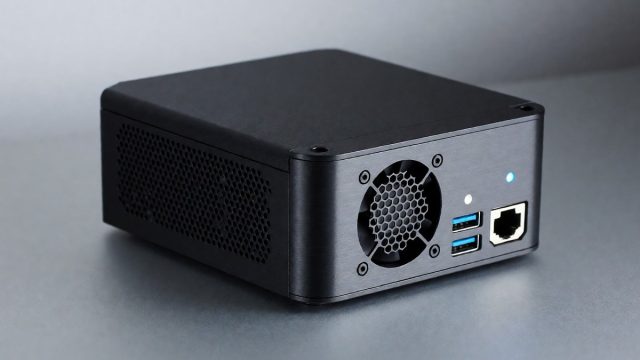
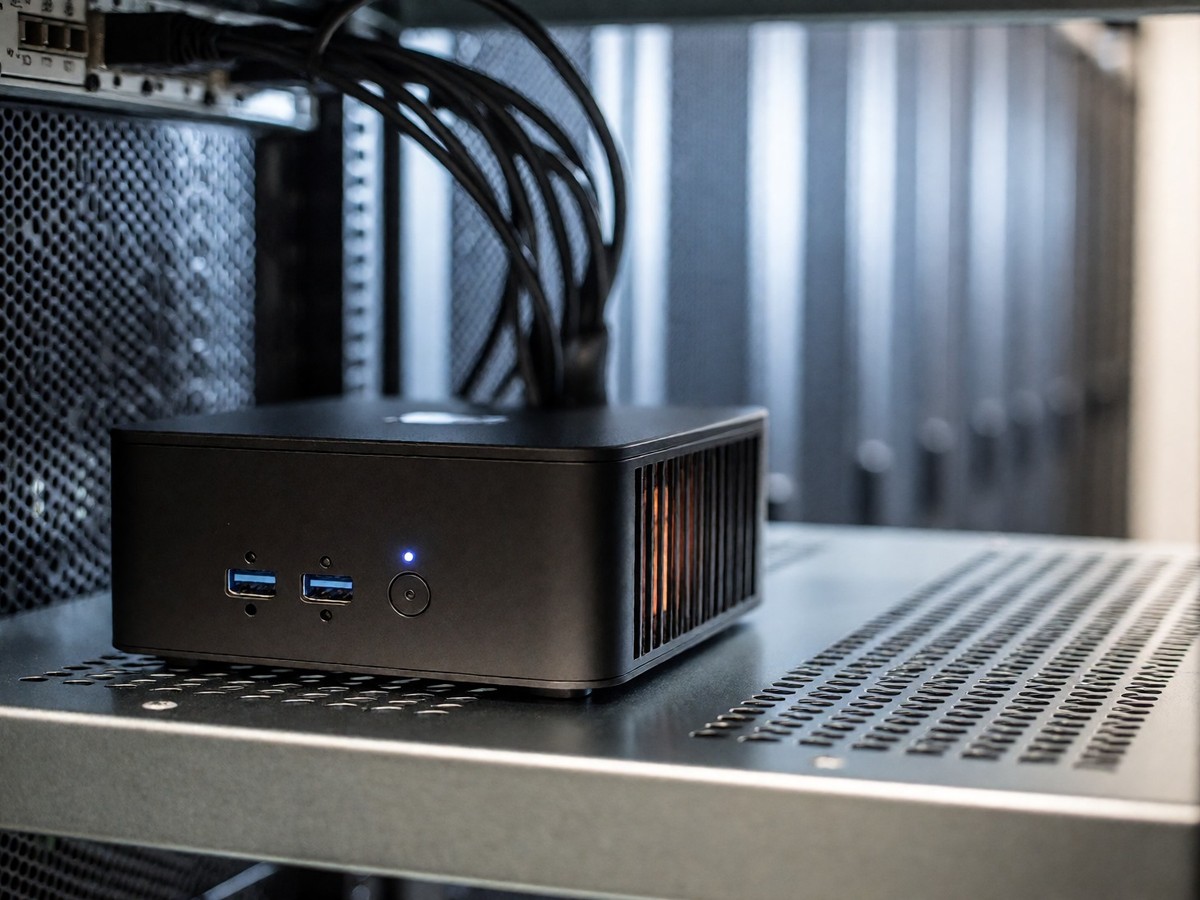
Mini PCs drive modern homelabs. The Minisforum MS-01 provides dual 10GbE SFP+ ports with Intel X710 controllers. These ports support fast live migration and shared storage. However, the fans in the MS-01 become audible under load. The Beelink SER8 offers a 96GB RAM ceiling. The Ryzen 7 8745HS provides 8 Zen 4 cores. Its Radeon 780M iGPU handles transcoding. The single 2.5GbE NIC on the SER8 prevents dual-network configurations for firewalls. The Beelink EQ14 provides 16GB of DDR4 RAM alongside 4 cores. This machine is a budget entry point with 6W idle power. RAM remains the primary bottleneck for these small systems.
Migration and reliability
Migration workflows in Proxmox VE 8.3 benefit from expanded OVF and OVA import capabilities via the web interface. Administrators using Proxmox VE 8.3 can import virtual machines from VMware ESXi through an integrated wizard that maps much of an imported VM’s configuration to the existing Proxmox VE configuration model. High availability depends on the connection between Corosync and Ceph. When a node fails, Proxmox HA detects the loss. It restarts virtual machines on surviving nodes. For heavy workloads like SQL databases, Proxmox uses Ceph RBD to enable live migration. This process avoids copying disk data across the network. It instead copies dirty RAM pages to the target node. This makes migrations fast. Does the migration speed stay consistent when using rotational drives instead of SSDs? Administrators must plan memory carefully. Because Ceph requires enough memory to handle recovery and rebalancing, the current recommendation suggests 8 GiB of memory per OSD. The OSD daemon requires 4 GiB by default. The CRUSH algorithm calculates object locations deterministically without a central metadata bottleneck. This avoids the issues of a central manager. The CRUSH hierarchy includes roots, datacenters, racks, hosts, and OSDs. Administrators set failure domains to type host by default. This ensures no two replicas of the same placement group reside within the same physical server. This protects data even if a server loses power or a power supply. In multi-rack environments, administrators can elevate the failure domain to type rack. This guarantees that objects maintain active surviving replicas in separate server cabinets. To manage high availability, users create a group in the Datacenter HA tab. They select the nodes and specify which VMs belong to the group. BlueStore uses a RocksDB database to store object metadata and checksums.

Technewsdaily
Senior tech writer covering AI, gadgets and cybersecurity. Breaking down the news that matters, every day.