Replacing Google Photos with Immich self-hosted backup
Immich offers a privacy-focused alternative to Google Photos and iCloud with features like facial recognition and CLIP-based search. While a 2 TB iCloud+ plan costs $9.99 monthly, running Immich on an 8 GB RAM VPS costs approximately $45 per month.

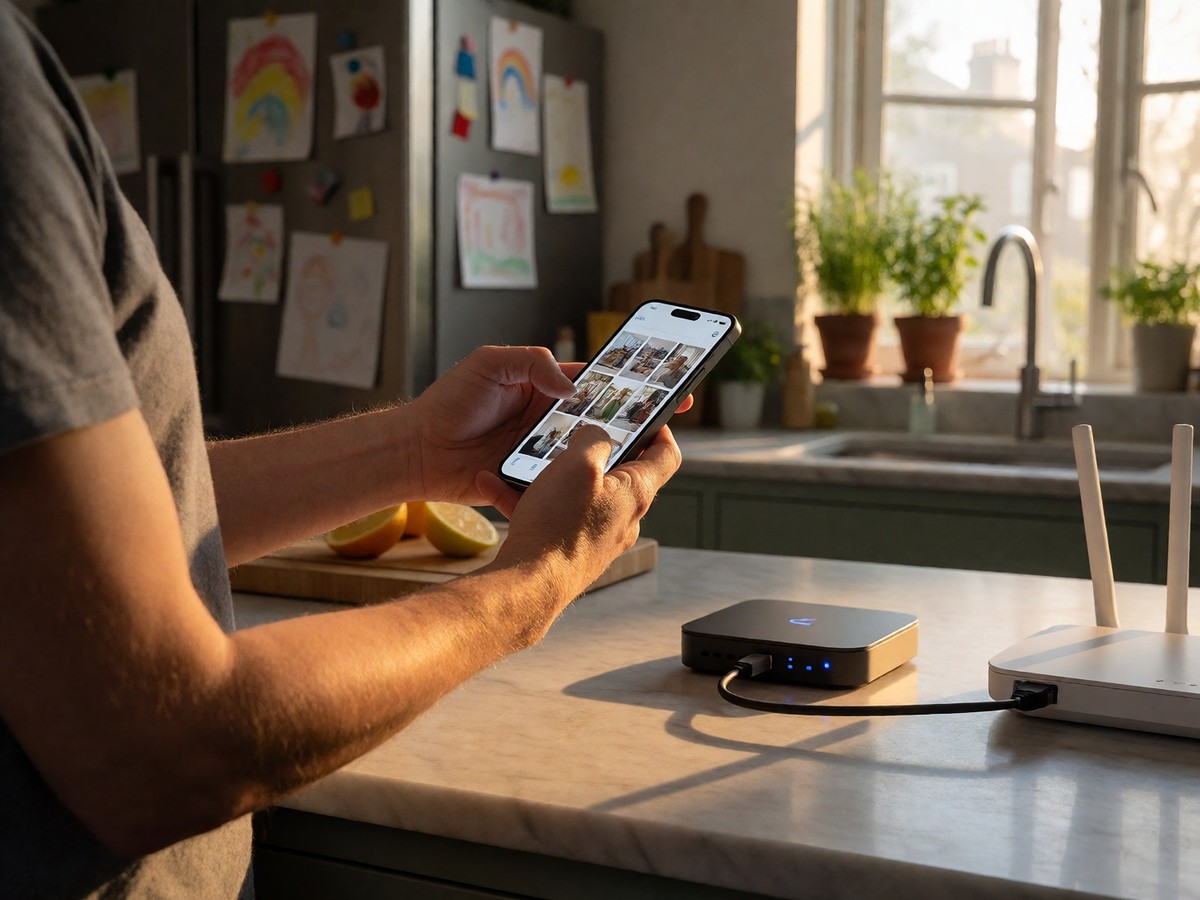
Immich provides a self-hosted alternative to Google Photos and iCloud with 113,600 GitHub stars and 6,800 forks. The software delivers timeline browsing, face detection, and CLIP-based search for users who want control over their metadata. While a 2 TB iCloud+ plan costs $9.99 per month, an 8 GB RAM Liquid Web VPS sufficient for Immich costs $45 per month. You should weigh the privacy benefits against this $420 annual price difference. Immich provides native iOS and Android apps that handle background uploads, whereas PhotoPrism requires a progressive web app or third-party tools like Syncthing. Immich’s video handling is basic and lacks transcoding or HDR tone mapping. Nextcloud serves as an all-in-one cloud platform with file sync, but Immich specializes in camera roll backup and search. The software works well for families wanting to replace the 15 GB Google Photos free tier. Because the mobile apps provide offline access, you can view your library even without an internet connection. Jellyfin handles photos as a secondary library type, but lacks AI face detection or mobile auto-upload, making Immich a more polished choice for users seeking a direct replacement for Google Photos. Will the privacy benefits outweigh the cost of maintenance?
Technical requirements and security
A stable deployment requires Docker Engine 25 or newer and a local filesystem like EXT4, ZFS, or BTRFS for the PostgreSQL database. The system will not function if you place the database on an NTFS or exFAT drive. Immich recommends 8 GB of RAM and 4 CPU cores for machine learning tasks, though 4 GB suffices if you disable facial recognition. For large libraries, an NVIDIA card with CUDA 12.3 or later facilitates faster processing. Security researchers identified CVE-2026-8461, a critical vulnerability in the FFmpeg framework that affects media servers like Immich through crafted 50 KB AVI files. This flaw allows for Remote Code Execution or Denial of Service attacks via a heap out-of-bounds write in the MagicYUV decoder. You need a real domain or subdomain to provide the TLS certificate required by the mobile app. On a 2 GB machine, the machine learning container may crash with exit code 137. You must ensure the PostgreSQL database sits on local SSD or NVMe storage rather than a network share.
| Component | Minimum Requirement | Recommended Requirement |
|---|---|---|
| RAM | 6 GB | 8 GB |
| CPU | 2 Cores | 4 Cores |
| Storage | Local SSD | Local SSD |
Migration and maintenance
Migrating a library requires Google Takeout to export data and the immich-go tool to import it into the server. The immich-go tool handles the hard work of migrating zipped data from Google Takeout archives. Users access the mobile app over encrypted connections using Tailscale to avoid exposing ports to the public internet. You should consider if the migration effort outweighs the convenience of a managed cloud service. Immich handles mobile photo ingestion using dedicated apps for Android and iOS. These apps perform background uploads of the camera roll to your own hardware. Users navigate the interface through a timeline view or a GPS-based map view. The machine learning container performs facial clustering and object detection to improve search. You can use the CLIP-based search to find specific content like "red bicycle in snow" without manual tagging. To avoid the risk of losing irreplaceable family photos, you must back up both the PostgreSQL database and the directory containing your original media files to a separate location. Plan for 10% to 20% extra storage overhead for thumbnails and transcoded video. The database only contains metadata and face embeddings, so you must manually back up the UPLOAD_LOCATION directory.

Technewsdaily
Senior tech writer covering AI, gadgets and cybersecurity. Breaking down the news that matters, every day.