Why Outline 1.4 matters for VPN teams choosing WireGuard or Tailscale
WireGuard offers full control through manual key management, while Tailscale provides easier scaling with automatic key rotation and CGNAT support. Outline 1.4 introduces performance improvements and WebMCP support for AI agents to assist with document management.

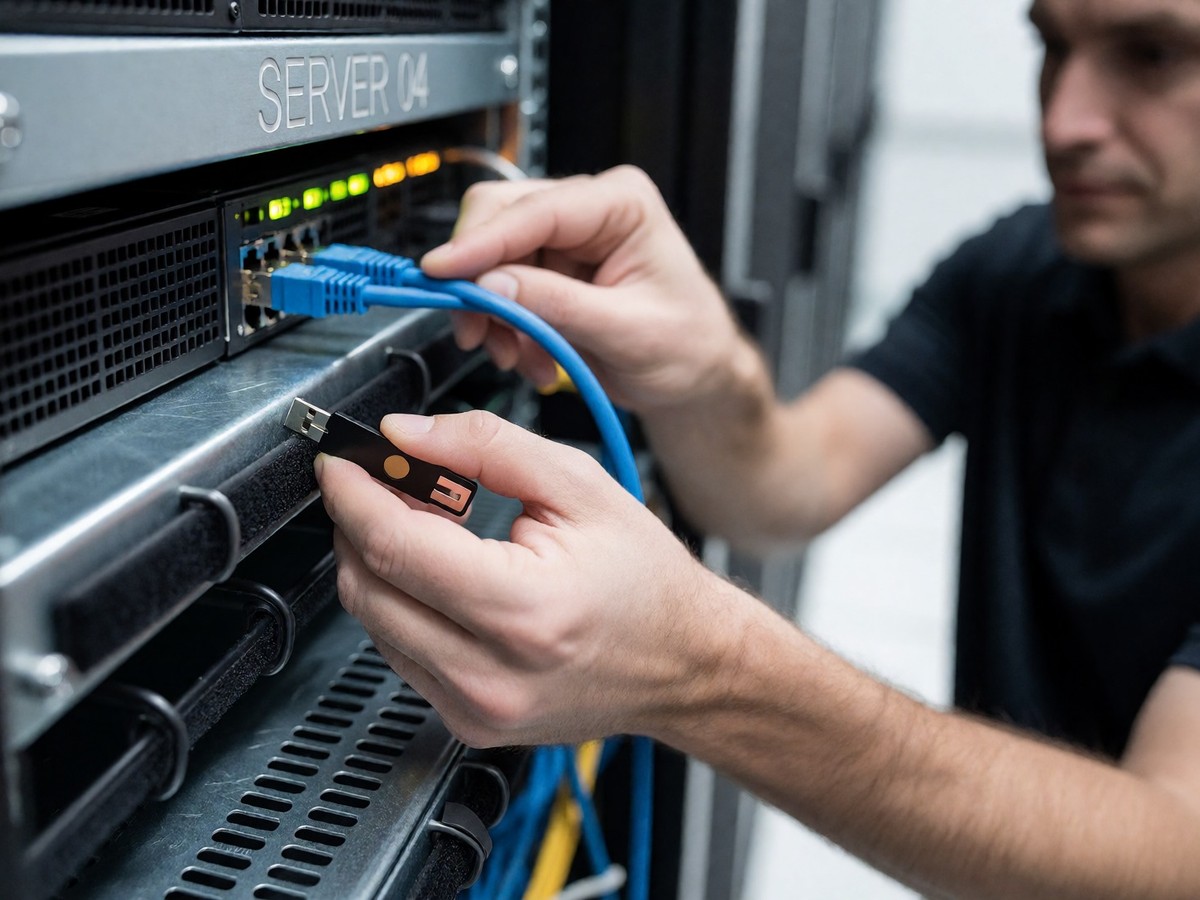
Tailscale remains the fastest way to connect devices through a WireGuard mesh network. The product adds a coordination server that handles peer discovery, automatic key rotation, and Magic DNS to the underlying protocol. Tailscale also provides subnet routing so one device exposes an entire LAN. For a homelab with multiple machines like a Raspberry Pi or a NAS, Tailscale scales without adding complexity. You install the client, log in with a Google or Microsoft account, and devices communicate directly.
WireGuard works differently as a VPN protocol and kernel module. It provides a point-to-point encrypted tunnel between two machines but does not manage keys or handle NAT traversal. To use it, you must generate key pairs, write configuration files on both ends, and configure your router to forward the UDP port. This process takes most people a couple of hours the first time. If your ISP uses CGNAT, WireGuard becomes significantly harder to set up because you may lack a real public IP to forward.
| Feature | WireGuard | Tailscale |
|---|---|---|
| Setup time (first time) | 1-3 hours | 5-10 minutes |
| Port forwarding required | Yes | No |
| CGNAT support | Limited | Yes |
| Key management | Manual | Automatic |
| Adding a new device | Config update on all peers | Install client, log in |
| Access entire LAN | Requires AllowedIPs config | Subnet routing (one setup) |
| DNS for hostnames | Manual or external | Magic DNS built in |
| Self-hosted option | Yes | Yes (Headscale) |
| Free tier | Yes | Yes (up to 3 users, 100 devices) |
WireGuard gives you zero external dependencies. If Tailscale raises prices or changes its direction, your WireGuard tunnels between machines you own remain unaffected. WireGuard also provides a security advantage because a host receiving a packet from an unknown peer simply drops it silently with no response to fingerprint. Tailscale routes key exchange through Tailscale, Inc. servers. While Tailscale does not see your traffic content because of end-to-end encryption, it knows which devices exist and when they connect. Headscale provides a self-hosted alternative to the Tailscale control plane for users who want mesh networking without the cloud dependency.
Coordination and control plane updates
Outline 1.4 brings specific updates to the management of documentation and workspace organization. The release includes a Gitea / Forgejo integration and allows public share links to have an expiry date. Users can now select a destination when importing content and use redesigned search filters. The update also adds a "Move" option to the document selection toolbar and an undo button in the mobile toolbar.
The release improves performance by reducing memory in the primary and worker processes. It also makes mention suggestions faster and allows share page content to render without the export lock. For those managing many documents, the update adds a userId index for oauth_authentications and uses a single-node Redis lock instead of Redlock. These changes help stabilize the environment when managing large numbers of shared files.
Outline 1.4 also introduces support for WebMCP, which lets in-page AI agents discover and call structured tools directly through document.modelContext. AI assistants can now work with richer tools, including patching documents, moving and deleting documents, and working with attachments. The update also expands built-in MCP support, providing more context like document breadcrumbs and suggested titles for AI integrations.
Choosing your remote access strategy
The choice between WireGuard and Tailscale depends on your willingness to maintain configuration files. WireGuard is the correct choice when you want to run everything on-prem and maintain full control over every piece of the setup. If you only need to connect one or two devices, the manual peer management of WireGuard is not a burden. You can use a simple command like wg genkey | tee privatekey | wg pubkey > publickey to generate keys on each device.
Tailscale is the better option for users who want to avoid port forwarding and manual key management. It handles CGNAT transparently and allows for easy scaling across many devices. The free tier covers up to 100 devices across 3 users, which meets the needs of most personal homelabs. If you want to access a service by a hostname like jellyfin.home, Magic DNS handles that automatically.
For those seeking a middle ground, Headscale offers the same mesh networking and client simplicity of Tailscale without the Tailscale cloud dependency. Headscale runs on your own hardware and uses the official Tailscale clients. This option requires more operational overhead than stock Tailscale but less than raw WireGuard. Can a team with strict data-residency requirements rely entirely on a managed coordination server?
For users needing to expose web applications to the internet without opening router ports, Cloudflare Access provides an alternative. It uses a proxy model to authenticate users to specific applications rather than providing network-level access. This prevents the lateral movement that occurs when a user gains access to a traditional VPN. Tailscale and WireGuard both focus on device-to-device connectivity, while Cloudflare Access focuses on user-to-application connectivity.

Technewsdaily
Senior tech writer covering AI, gadgets and cybersecurity. Breaking down the news that matters, every day.