Penpot for design teams choosing between Figma and Sketch
Penpot offers an open-source alternative to Figma and Sketch using web standards like CSS Grid and Flex layouts. While Penpot provides significant cost savings, such as $70 per month for ten editors compared to Figma's $160, it currently faces performance and self-hosting hurdles.

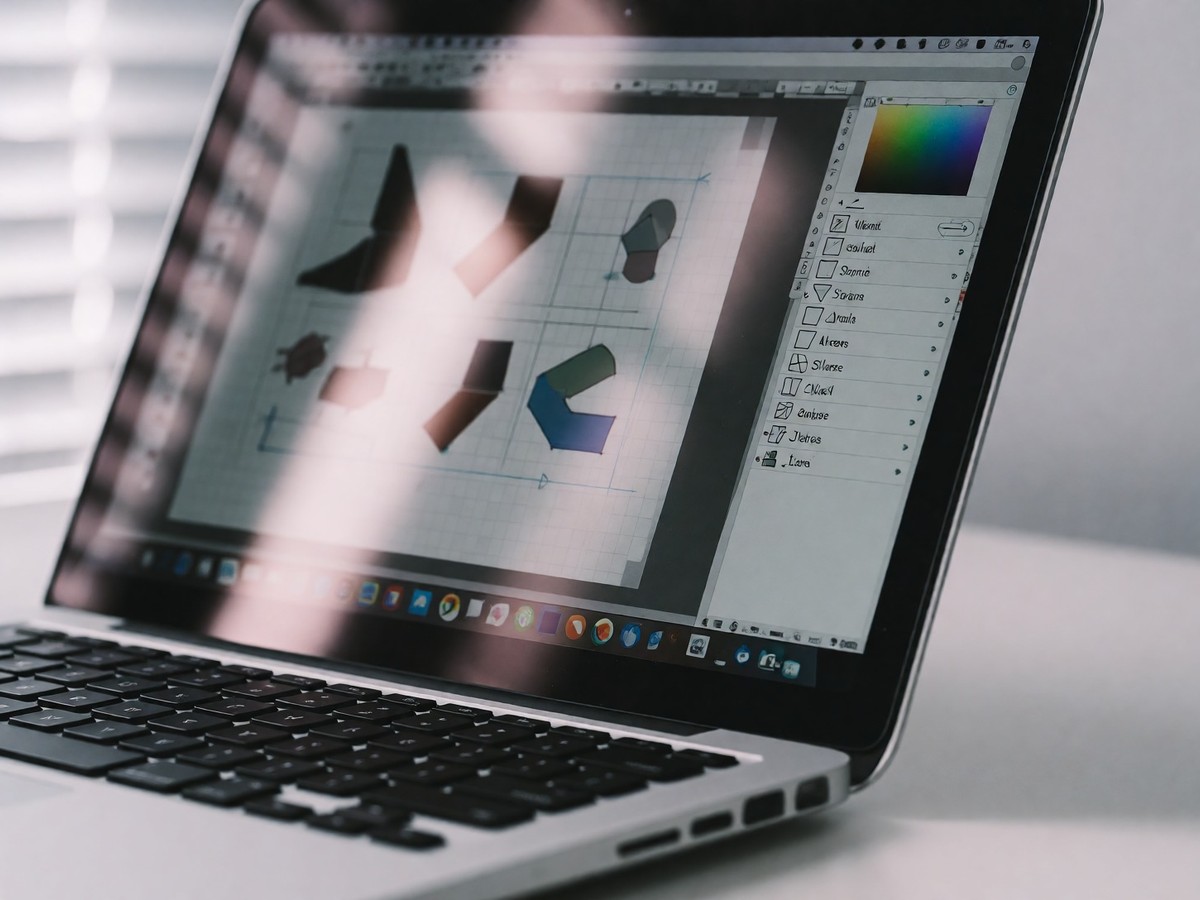
Penpot is an open-source design platform for teams. It works with CSS, HTML, SVG and JSON. Because it uses web standards, it prevents designs from being trapped in a private format. Penpot provides both a free sign-up option and a self-hostable version. This tool suits interface and product design with real-time collaboration. Penpot includes vector editing, project management, templates, and native design tokens. It also uses CSS Grid and Flex layouts. Penpot provides an MCP server for agent integrations and shared libraries for design systems. Because it is built on web standards, it allows designers to hand off screens to developers while both look at the same file in a browser. This prevents the need for design files to travel as attachments, which previously meant every attachment became a new copy that someone had to remember was the latest. Figma includes real-time collaboration, whiteboard, file sharing and library management. Figma supports web based deployment, while Penpot supports both web based and on premises deployment.
Industry needs and software costs
Industry needs dictate software choice. Figma is ideal for all industries, and Penpot is a better choice for all industries. You should compare specifications in detail during a demo to decide which software suits your business needs.
| Tool | Job | Entry Price | Free/Trial Route | Limit to check |
|---|---|---|---|---|
| Penpot | Open source interface design | Professional $0; Unlimited $7 per editor/month | The $0 Professional plan | Self-hosting requires a server |
| Sketch | Interface design on Mac | No price listed for Standard plan | 30-day trial; free education workspace | Desktop app needs macOS Sequoia 15 or newer |
| Figma | Digital product design | Professional $16; Organization $55 | Starter plan | AI credits on Full seat |
Figma prices vary by seat type. A Full seat on the Professional plan costs $16 per month. The Organization plan costs $55 per month when billed annually. For teams, an extra editor adds another seat. For a team of ten, the cost of Figma Professional seats reaches $160 per month, whereas Penpot Unlimited stays significantly lower at $70 per month because it caps its total price at $175. Figma’s Starter plan includes 150 AI credits a day, up to 500 a month. On the Professional plan, a Full seat includes 3,000 AI credits a month. The Organization plan provides 3,500 AI credits a month.
Figma includes a variety of tools within its ecosystem. The Full seat includes Figma Design, Make, Draw, Motion, Sites, Dev Mode, FigJam, Slides, Buzz and Specs. Viewers can look at and comment on files without a paid seat. The Professional plan includes team-wide design libraries and the MCP server. The Organization plan allows publishing resources across teams. The Starter plan provides unlimited drafts, UI kits and templates.
Sketch serves macOS users. The Mac app requires macOS Sequoia 15.0.0 or newer. It provides a 30-day free trial with no credit card. Students and teachers can apply for a free Workspace with one Editor seat. Sketch provides a Mac-only license that works offline and allows free Viewers to comment and inspect files. Sketch pricing includes a Standard plan for individuals and small teams and a Professional plan for growing teams. The Professional plan provides 50 GB of storage per editor.
Technical hurdles and performance
Penpot has performance issues. Files render very slowly. When you zoom in or out on the canvas, the tool displays only placeholder images even if the page contains only a few components. In some cases, updates do not reflect in real time when multiple people work in the same file. For example, if one person edits a sticky note, the change remains invisible until they leave the note. Penpot also lacks certain variable handling in components and lacks a native whiteboard tool. Penpot isn’t quite there yet in terms of functionality and performance for us to consider switching to the tool within the next few years. Penpot provides a new canvas interface, dynamic layout, and Figma and Sketch support.
The self-hosted version of Penpot on Linux presents technical hurdles. A Docker instance consumes significant resources on a server and adds complexity to a setup. Users report that the self-hosted version can use high RAM, swap, CPU, and memory. Setting up a virtualhost in Apache to point a domain name can lead to websocket loading errors. Users might also need to enable more Apache modules and use a proxy directive to get wss to work. The hosted version of Penpot at penpot.app works well with the electron client. However, users find that running the self-hosted version can thrash a server. For instance, some users found that running Podman on Ubuntu failed to work as intended.
Can teams successfully manage font installation within a container image for all users? Penpot is a viable alternative for teams that prioritize open-source flexibility and cost control.

Technewsdaily
Senior tech writer covering AI, gadgets and cybersecurity. Breaking down the news that matters, every day.