GitKraken vs GitHub Desktop: The GUI Battle in 2026
GitKraken outperforms GitHub Desktop for professional workflows by offering advanced features like Gitflow, worktrees, and Google Gemini-powered AI conflict resolution. While GitHub Desktop simplifies Git for beginners, GitKraken provides a robust suite for managing complex repositories.

The Electron GUI divide
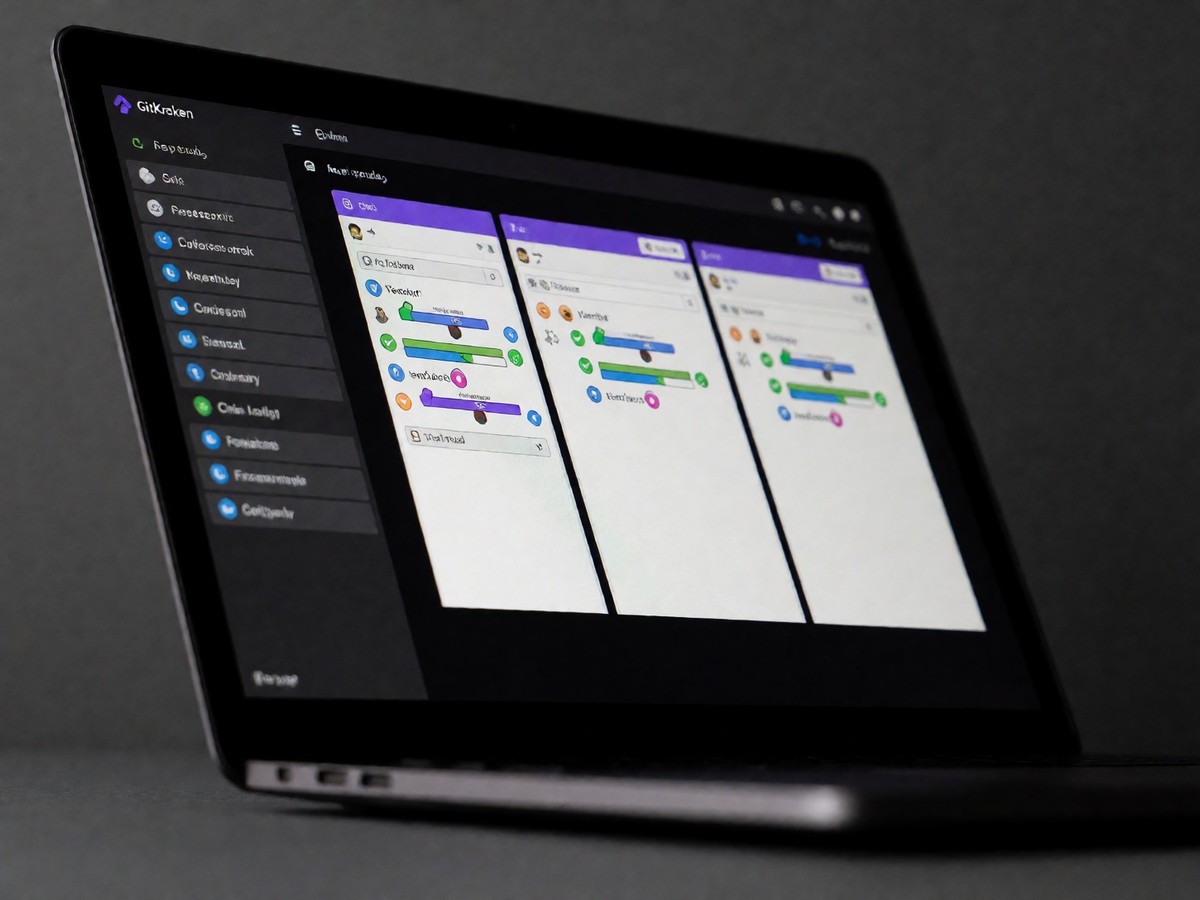
GitHub Desktop targets designers, technical writers, or first-year students whose Git anxiety is still real. This Electron-based tool uses TypeScript and runs on macOS and Windows. It is the only client on the list designed to hide Git. It works for anyone whose repositories live on GitHub. GitHub Desktop lacks interactive rebase, submodules, worktrees, and Gitflow support. Its diff viewer remains basic. The surface of GitHub Desktop stays small enough that users cannot get lost in it. GitKraken targets professionals who require a full commercial suite. It runs on macOS, Windows, and Linux. GitKraken requires a user account for most features. The free tier limits users to local repositories and public remotes. GitKraken provides a broad experience for those who need to manage multiple forges like GitLab and Bitbucket. While GitHub Desktop simplifies the experience for designers and students by hiding Git, the complete absence of interactive rebase, submodules, and worktrees significantly limits its utility for developers who must manage complex, multi-branch repositories.
Conflict resolution functionality
Merge conflict resolution shows the functional gap between these tools. GitHub Desktop provides a basic diff viewer that lacks advanced capabilities. GitKraken provides a visual, 3-panel merge tool for resolving conflicts. On paid tiers, GitKraken AI proposes fixes for conflicted hunks, providing suggestions with an explanation and a confidence level. GitKraken AI uses Google Gemini models to help developers. You know the basics, so look at the technical differences in how they handle code collisions. GitKraken also includes AI tools like the AI Commit Composer and the ability to explain branch changes. Developers can also use the AI to explain working changes. GitKraken AI context menu items, such as "Explain working changes" and "Explain branch changes", appear when AI is enabled. Will the reliance on AI-generated suggestions eventually erode developer trust in automated conflict resolution?
Feature comparison and pricing
Feature comparison shows distinct pricing and capability tiers.
| Capability | GitHub Desktop | GitKraken |
|---|---|---|
| License | MIT | Proprietary |
| Platforms | macOS, Windows | macOS, Windows, Linux |
| AI Models | No | Google Gemini |
| Worktrees | No | Yes (Premium) |
| Gitflow | No | Yes |
| Pricing | Free | Pro ~$10/mo |
GitKraken includes advanced features like Gitflow and Git LFS support. It also provides one-click SSH key generation, GPG commit signing, and the ability to trigger hooks when performing commits or rebases. GitLens 12, an extension by GitKraken, brings Worktrees and Visual File History to VS Code for the Web and github.dev. Worktrees enable developers to check out multiple branches at once, with each working tree opened in its own window or in the same workspace. Visual File History allows users to inspect the evolution of a file, including changes, size, and authors. GitKraken also supports agent workflows. Users can start Claude Code, Codex CLI, Copilot CLI, Gemini CLI, or OpenCode sessions directly from the Agents panel. These sessions run in independent terminal windows and preserve terminal state. GitKraken provides a dedicated Left Panel view showing all active agent sessions as cards with real-time WIP changes. The Pro tier is priced between $8 and $10 per month. GitKraken is the clear winner for professional teams managing enterprise workloads.

Technewsdaily
Senior tech writer covering AI, gadgets and cybersecurity. Breaking down the news that matters, every day.