Immich vs PhotoPrism vs Ente for family photo management
Immich offers the most seamless mobile automation for families through background backups and partner sharing. While Immich requires at least 16GB of RAM for machine learning, Ente provides end-to-end encryption and PhotoPrism excels at advanced metadata indexing for photographers.

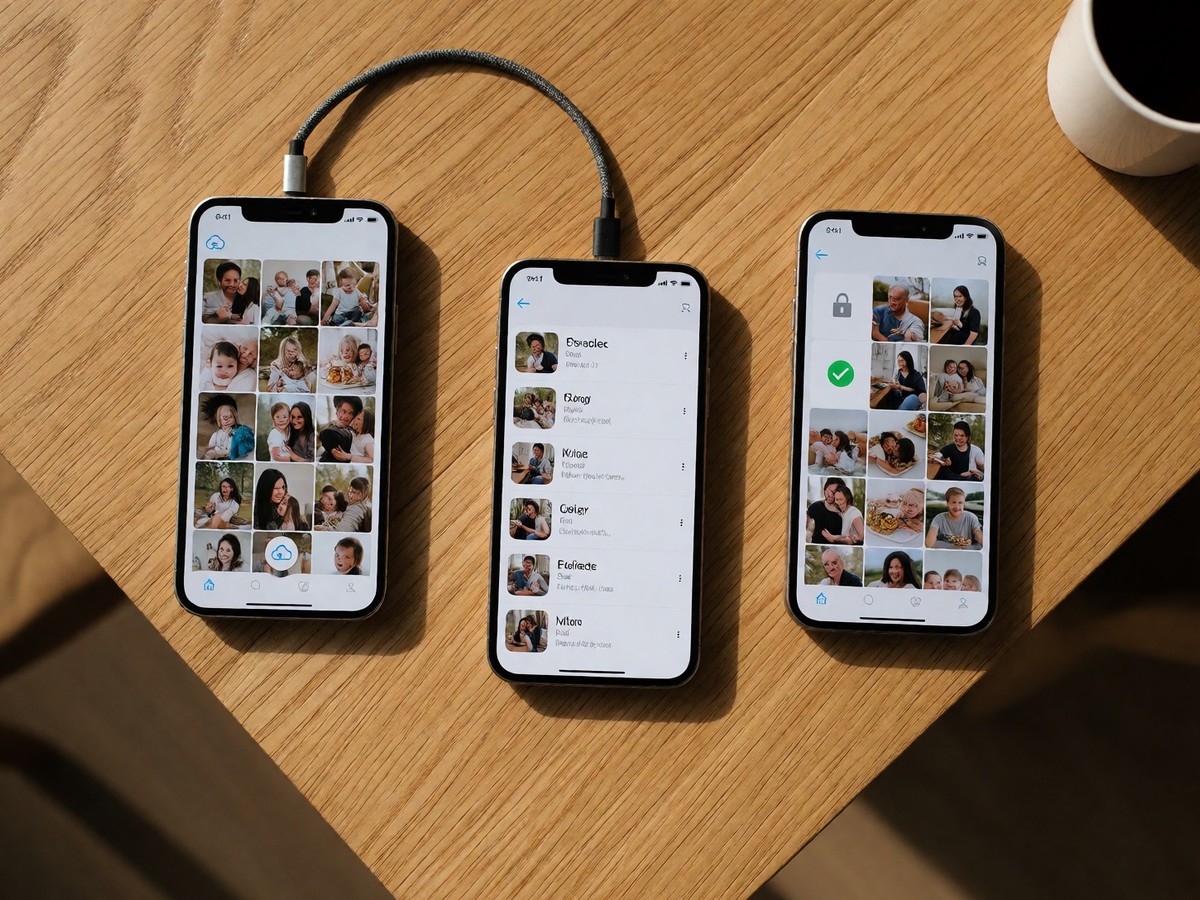
Immich provides the most direct replacement for Google Photos because its mobile apps handle background backups and partner sharing through a single timeline. This makes it the best choice for families who want non-technical members to upload photos without manual configuration.
Immich excels at mobile automation
Immich uses Android and iOS apps to automate camera roll uploads in the background. On iOS, the app runs sync and upload tasks in parallel to work within system limits. You can use partner sharing to put another account’s photos into your main timeline. The software also includes a "Recently Added" page to find new imports by date added rather than capture date. One user reported that Immich incorrectly grabbed the most recent time instead of the actual capture date for certain images taken with a Pudding camera app.
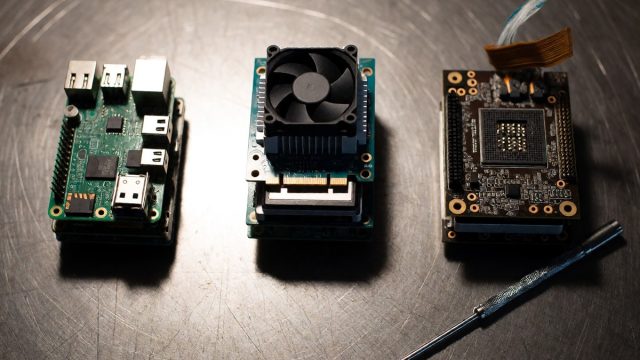
The developer maintains that the project is "not yet stable," so you should keep original copies during breaking changes. Immich requires more hardware than its competitors. A setup with machine learning needs at least 4 cores, 16GB RAM, and an iGPU for hardware video transcoding.
| Feature | Immich | PhotoPrism | Ente |
|---|---|---|---|
| Mobile auto-upload | Yes | No | Yes |
| Hardware requirement | 4 cores, 16GB RAM | 2 cores, 3GB RAM | Low |
| AI search | CLIP embeddings | Tag based | On-device |
| Primary focus | Phone backup | Library indexing | Encrypted backup |
Immich supports RAW files, but it focuses on timeline browsing rather than advanced metadata editing. It handles large queues after long sync gaps and survives Wi-Fi changes. Does the heavy resource demand for machine learning outweigh the convenience of the mobile app?
Ente and PhotoPrism serve different roles
Ente provides end-to-end encryption where the service cannot see your photos or metadata. It backs up photos in original quality without compression. If you switch phones, Ente recognizes existing backups by comparing content hashes. To free space, the "Free up space" feature deletes only successfully uploaded copies from your device. Ente does not support two-way sync, so deleting a photo in Ente will not remove it from your phone.
PhotoPrism works differently because it indexes folders where they sit on your disk. It treats EXIF, IPTC, and geolocation as first-class primitives. This makes it better for photographers who want to slice a library by focal length or aperture. PhotoPrism requires less RAM, running on as little as 3GB. It lacks a dedicated mobile app and relies on WebDAV sync or third-party tools like PhotoSync.
If you need a private family feed, Clann offers features Ente lacks, such as blocking screenshots and notifying owners when someone attempts one. Ente allows guests to upload photos via browser links without an account, but these uploads use the owner’s storage. Ente’s face recognition and Magic Search run on your device after the initial download and analysis. Use Ente if you want a secure, encrypted archive of everything you shoot.

Technewsdaily
Senior tech writer covering AI, gadgets and cybersecurity. Breaking down the news that matters, every day.