Avoiding the resource trap in the Beszel migration
Teams migrating from Beszel to Netdata often overlook that the Netdata agent requires 200 to 500MB of RAM. While Beszel provides minimal resource usage for Docker metrics, Netdata offers advanced eBPF network monitoring and machine learning anomaly detection.

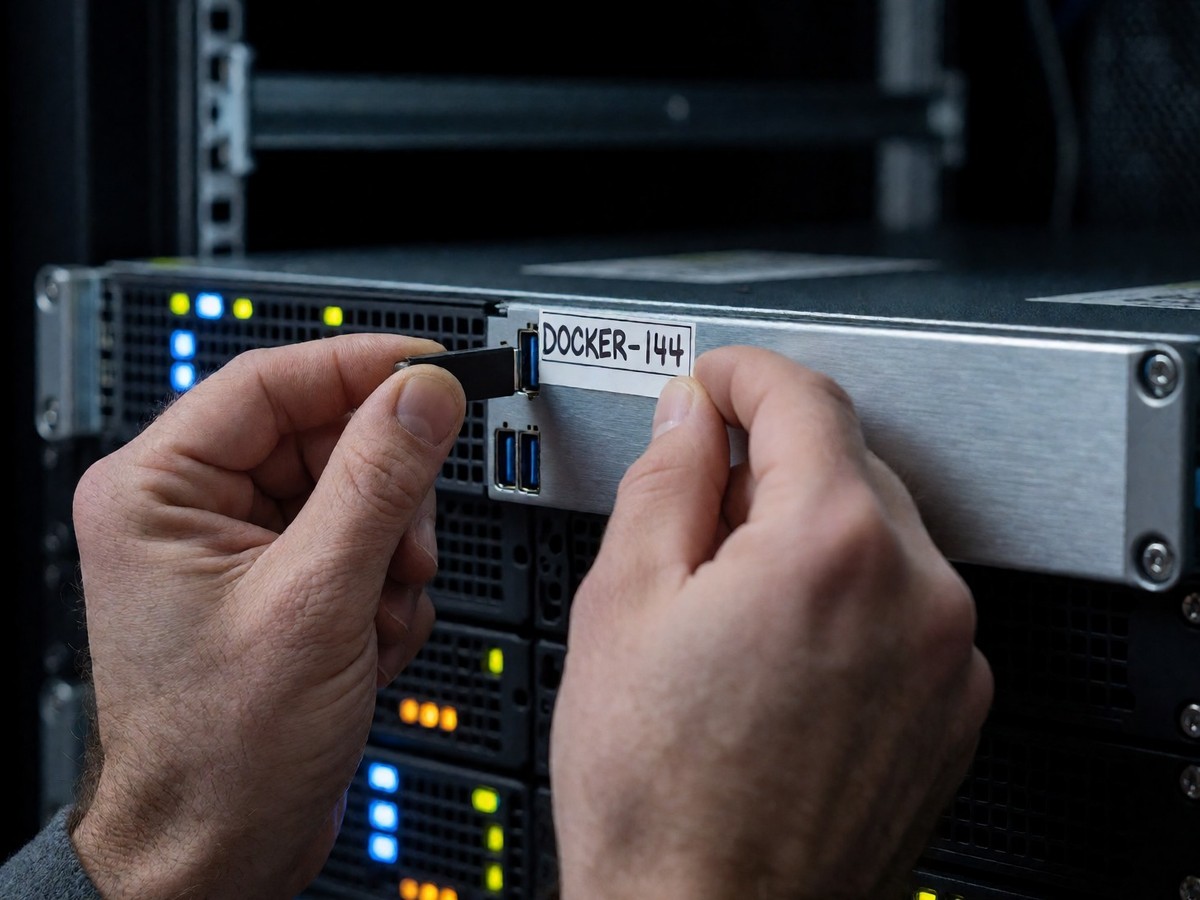
Beszel uses a stack of PocketBase and Go to provide instant visibility for CPU spikes and RAM usage. It provides basic system and Docker metrics. However, Beszel lacks deep application drill-down or a query language. This creates a log gap that forces teams to jump between a dashboard and a terminal for logs. Teams moving from Beszel to Netdata frequently ignore that the Netdata agent requires 200 to 500MB of RAM, which constitutes a massive increase in resource demand when compared to the minimal footprint of Beszel or Glances. I see many users regret this jump when they realize the resource cost for a fleet of nodes. Beszel also requires smartmontools to parse S.M.A.R.T. data from disks. Version 0.15.0 added support for scsi and sntasmedia types, while version 0.15.1 added the SMART_DEVICES environment variable.
| Tool | Resource Usage | Primary Focus |
|---|---|---|
| Beszel | Minimal | System and Docker metrics |
| Glances | Low to moderate | Comprehensive system health |
| Netdata | 200 to 500MB RAM | High-resolution troubleshooting |
The complexity of kernel requirements
Netdata uses eBPF for L4 network monitoring. This provides per-second metrics for TCP/UDP bandwidth and connection states. To use this, you must have a Linux kernel of version 4.11 or higher. For better performance with CO-RE support, I recommend a kernel of 5.5 or higher. You also need root privileges or CAP_BPF and CAP_PERFMON capabilities. If the kernel does not support these, Netdata falls back to traditional methods using /proc/net/ statistics. Netdata provides 800+ collectors and 800+ notification channels.
Netdata provides 18 ML models per network metric. These models detect unusual patterns to achieve a 99% false positive reduction. The Anomaly Advisor surfaces root causes in the top 30-50 metrics. This level of intelligence is far beyond the basic metrics in Beszel. Netdata also provides per-second network data that stays on-premises to avoid cloud egress costs. Netdata uses predictable per-node pricing and does not charge for network metrics or connection counts. Glances serves as a Python-based alternative. It is a top with steroids. Glances provides a complete view of CPU, memory, load, and Docker containers on one screen while allowing data export to InfluxDB and Prometheus.
Solving the Docker log gap
Beszel users managing GitLab runners often encounter errors when containers disappear too quickly. These containers exist for only a few seconds. The agent picks them up and reports an error: "Error getting container stats err="runner-smubnyrhe-project-9-concurrent-0-cf39353b288f203e-predefined – no memory stats – see https://github.com/henrygd/beszel/issues/144"". Long container names also make the UI unreadable. You can use the EXCLUDE_CONTAINERS environment variable introduced in version 0.13.3 to ignore these specific containers.
The transition from viewing metrics to understanding systems requires solving the log gap. Beszel does not integrate logs, so you must use another tool like Dozzle for real-time log viewing. Dozzle provides real-time log viewing for Docker containers. Glances provides an alternative by allowing data export to Prometheus or InfluxDB. This helps build historical trends that Beszel lacks. If you move to a stack like Prometheus, Grafana, and Loki, you must manage YAML configuration and data retention policies. This is a significant operational tax. Does the complexity of a full observability stack outweigh the simplicity of a single agent? You should account for the fact that as your infrastructure grows, a lightweight dashboard may no longer suffice.

Technewsdaily
Senior tech writer covering AI, gadgets and cybersecurity. Breaking down the news that matters, every day.