Fly.io: Myths and realities for edge-native deployment
Fly.io utilizes Firecracker microVMs across 35+ regions to provide hardware-level isolation for latency-sensitive workloads. This architecture offers granular control over machine lifecycles and global Anycast networking compared to Railway and Render.

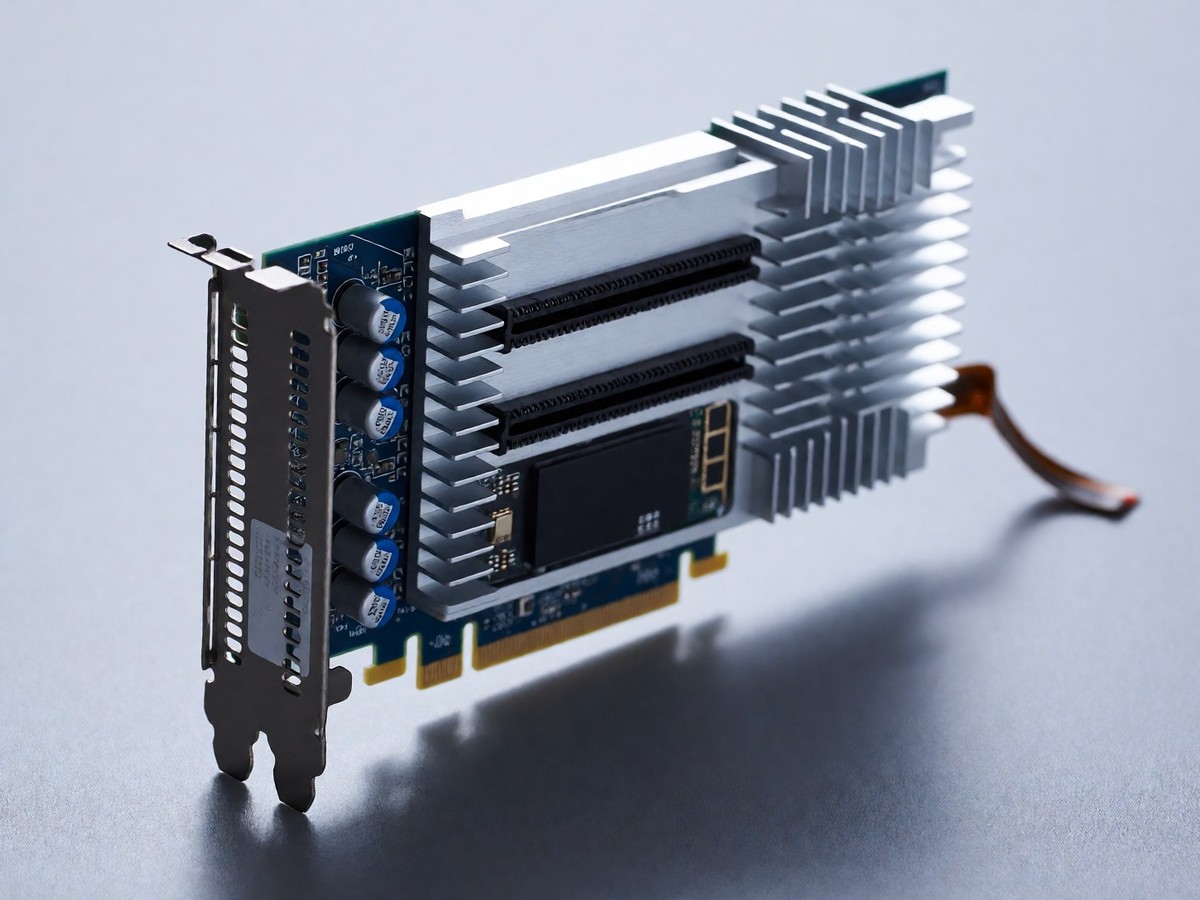
MicroVMs versus container orchestration
Fly.io uses Firecracker microVMs to run containers, which distinguishes it from Railway and Render that primarily use container orchestration on shared infrastructure. These microVMs provide hardware-level isolation and boot in milliseconds. This architecture allows Fly.io to provide 35+ regions, including Tokyo, Sao Paulo, Cape Town, Mumbai, and Sydney. While Railway uses Nixpacks to auto-detect runtimes like Node.js or Python, Fly.io requires more configuration through fly.toml or the flyctl CLI. You might think these microVMs lack the simplicity of Railway’s Nixpacks build system, but the control over machine lifecycles through the Fly Machines API provides a level of granularity that container-only platforms cannot match. I recommend Fly.io for latency-sensitive workloads that need true multi-region presence.
Railway uses Nixpacks to auto-detect project manifests like package.json or requirements.txt, allowing for a zero-configuration deployment. It provides one-click templates for stacks such as Next.js with PostgreSQL or Django with Redis. Render includes static site hosting that is permanently free via its global CDN. It also includes preview environments for every GitHub pull request to assist with code reviews. While Render provides these managed services, Fly.io remains a more infrastructure-heavy choice for teams that want to control their specific machine sizing and region placement.
Managing state and databases
Managing state and databases defines the operational experience on these platforms. Fly.io uses Linux LVM to create thin pools for persistent volumes, and it encrypts these volumes using XTS with random keys. You can create a volume with flyctl and mount it in your fly.toml file. When you attach a volume, you can only run as many instances as you have matching volumes, which forces the platform to use rolling deploys instead of canary deployments. Fly Postgres is a highly available cluster that includes automatic backups and connection pooling in every plan. Render provides managed Postgres with point-in-time recovery, but you must use a compute plan with at least 1 CPU to enable high availability. Railway offers managed Postgres as a service within a project, but you must enable recovery manually by archiving into a storage bucket.
| Feature | Fly.io | Railway | Render |
|---|---|---|---|
| Runtime | Firecracker microVMs | Docker (Nixpacks) | Docker / Native |
| Regions | 35+ | 2 | 3 |
| Postgres | HA via Patroni | Managed | Managed with PITR |
| Scaling | Per-second | Usage-based | Instance-based |
| Cold Starts | < 300ms | None on Starter+ | 30 – 60s on Free |
I find that the networking in Fly.io is also a different category of service. Every app in an organization joins a private IPv6 network made of WireGuard tunnels by default. This network uses .internal names for service communication. You should evaluate the configuration overhead of this networking before deciding.
Pricing and regional economics
I recommend Fly.io for teams building latency-sensitive APIs or stateful services that require global distribution. While Railway provides a smooth developer experience for rapid prototyping, Fly.io is the better choice when you need to run code close to users in 35+ locations. The pricing model follows a pay-as-you-go structure where you pay per second for CPU and memory. This can lead to unpredictable bills, as users have reported costs reaching two to four times their original estimates due to idle VMs or egress fees. Egress costs vary from $0.02 per GB in North America and Europe to $0.12 per GB in Africa and India.
Fly.io provides the first 100GB of outbound bandwidth for free. A shared-cpu-1x machine with 256MB RAM is approximately $1.94 per month. Railway’s Hobby plan is $5 per month, while Render’s Starter plan is $7 per month. I also see that Fly.io provides $5 per month in free credits to cover small workloads. Will the cost of managing multi-region networking in Fly.io eventually exceed the savings from its usage-based pricing as teams grow?

Technewsdaily
Senior tech writer covering AI, gadgets and cybersecurity. Breaking down the news that matters, every day.