The Immich 1.120 surge and mobile sync realities
Immich leads the self-hosted space with over 90,000 GitHub stars, offering a Google Photos-like experience through native mobile sync. Users choosing between Immich, PhotoPrism, or Nextcloud must balance hardware requirements like RAM against specific needs for RAW file support.

Immich maintains a massive lead in the self-hosted space with over 90,000 GitHub stars. It mimics the Google Photos experience through timeline browsing, face detection, and CLIP-based semantic search. Because the machine learning container consumes an additional 1 to 2GB of memory, users typically need 8GB of RAM for a smooth experience. On Android, the app dims the screen during the backup process to prevent burn-in while the app remains active to speed up transfers. This behavior causes issues because scrolling during a backup does not increase the brightness. The timeout for this dimming is also inconsistent, occurring as quickly as 5 seconds or as slowly as 16 seconds. Developers intended the dimming to keep the app open for faster uploads, but the lack of interaction-based brightening makes the interface feel buggy. The project passed 10,000 commits and received funding from FUTO in 2024. Users migrating from Google Takeout can use the immich-go tool to recreate albums and preserve dates. Immich provides partner sharing to allow two users to see each other’s entire libraries. If you want a polished mobile app with background sync, Immich remains the most capable choice.
Selection depends on mobile automation or privacy
Selection depends on whether you prioritize mobile automation, RAW file support, or a unified cloud ecosystem. PhotoPrism is a mature option built in Go that works well with existing folder structures. It provides extensive support for camera RAW formats like CR2, NEF, and ARW. Because PhotoPrism lacks a native mobile application, you must use Syncthing or a WebDAV client to transfer photos from a phone. Users who need to move large amounts of data from a smartphone to a server often find that PhotoPrism requires additional tools like Syncthing because it does not provide a native application for automatic background mobile uploads. PhotoPrism allows users to point the software at an existing photo folder structure, which removes the need for a lengthy import process. It provides AI classification for colors and categories using TensorFlow.
| Platform | Primary Purpose | Minimum RAM | Mobile Auto-Upload |
|---|---|---|---|
| Immich | Photo management | 4 GB | Yes (Native) |
| PhotoPrism | Library browsing | 2 GB | No (via Syncthing) |
| Nextcloud | All-in-one cloud | 512 MB | Yes (Native) |
| Jellyfin | Media server | 500 MB | No |
Nextcloud integrates photos into a broader suite of tools like calendars and documents. It is a 10-year-old project that can be notoriously slow on large installations due to its PHP-based architecture. While the Memories app adds timeline views and face clustering, the core photo features are add-ons rather than central functionality. The Recognize app provides face detection and object recognition within the Nextcloud ecosystem. Jellyfin handles photos as a secondary library type and is best for displaying family slideshows on a TV. Jellyfin requires only 500MB to 2GB of RAM and does not support AI face detection or mobile auto-upload.
Hardware requirements and family usage limitations
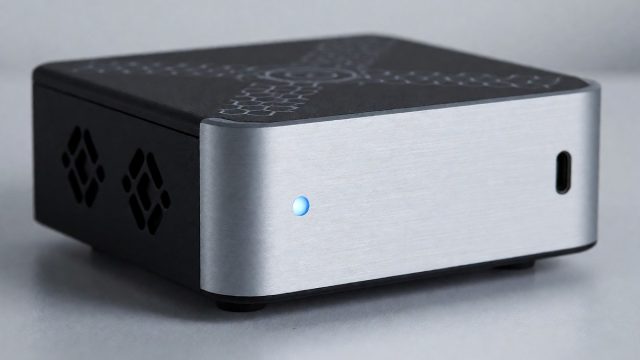
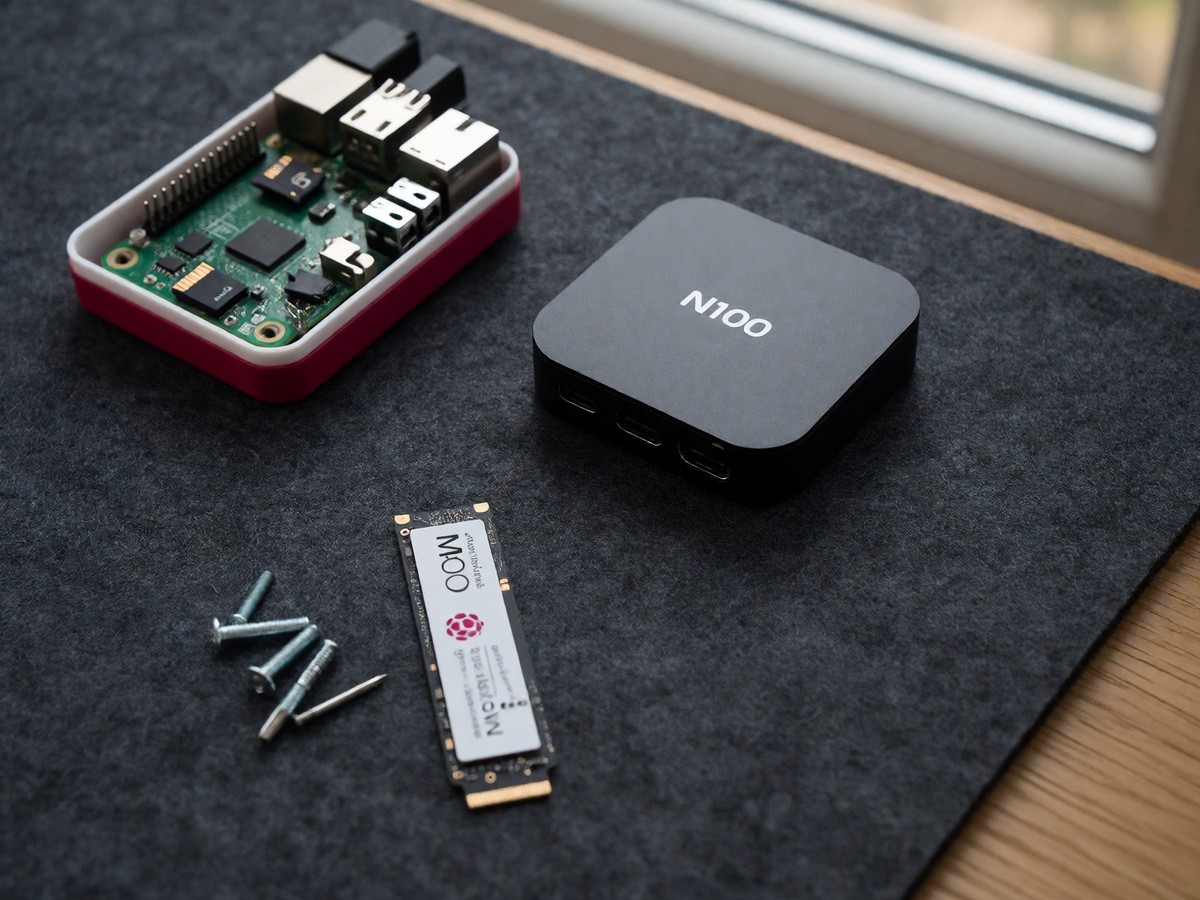
Hardware requirements vary based on the software and the size of the photo library. A Raspberry Pi 5 with 8GB of RAM can handle a library of 50,000 photos, though machine learning runs more slowly than on an N100 mini PC. A typical 50,000-photo collection requires between 150 and 250GB of storage. Immich presents difficulties for households because it lacks user groups and integrated sharing. Shared albums do not merge into a recipient’s personal timeline, memories, or face library. This structural limitation means every family member maintains a separate, isolated experience. For photographers using Immich, the software provides previews for RAW files. Users can also use an external library to index files in place without copying them to the Immich directory.
Users migrating from Apple Photos must export unmodified originals to avoid losing metadata. You can host your data on a NAS with two drives in a RAID 1 layout for redundancy. You should also budget for a second backup on a service like Backblaze B2 at approximately $6.95 per terabyte per month. Google One plans charge for 100 GB at $1.99 per month or 2 TB at $9.99 per month. These costs increase as family libraries grow, and the storage is shared with Drive and Gmail. You should verify your hardware capacity before attempting to host a large library. How will the upcoming user group features solve the isolation between family members? Use Immich for mobile-heavy users and PhotoPrism for photographers with large RAW collections.

Technewsdaily
Senior tech writer covering AI, gadgets and cybersecurity. Breaking down the news that matters, every day.